Meet without the mess.
Free video meetings, chat, and a calm workspace for schools and teams of every size.
Start a free meeting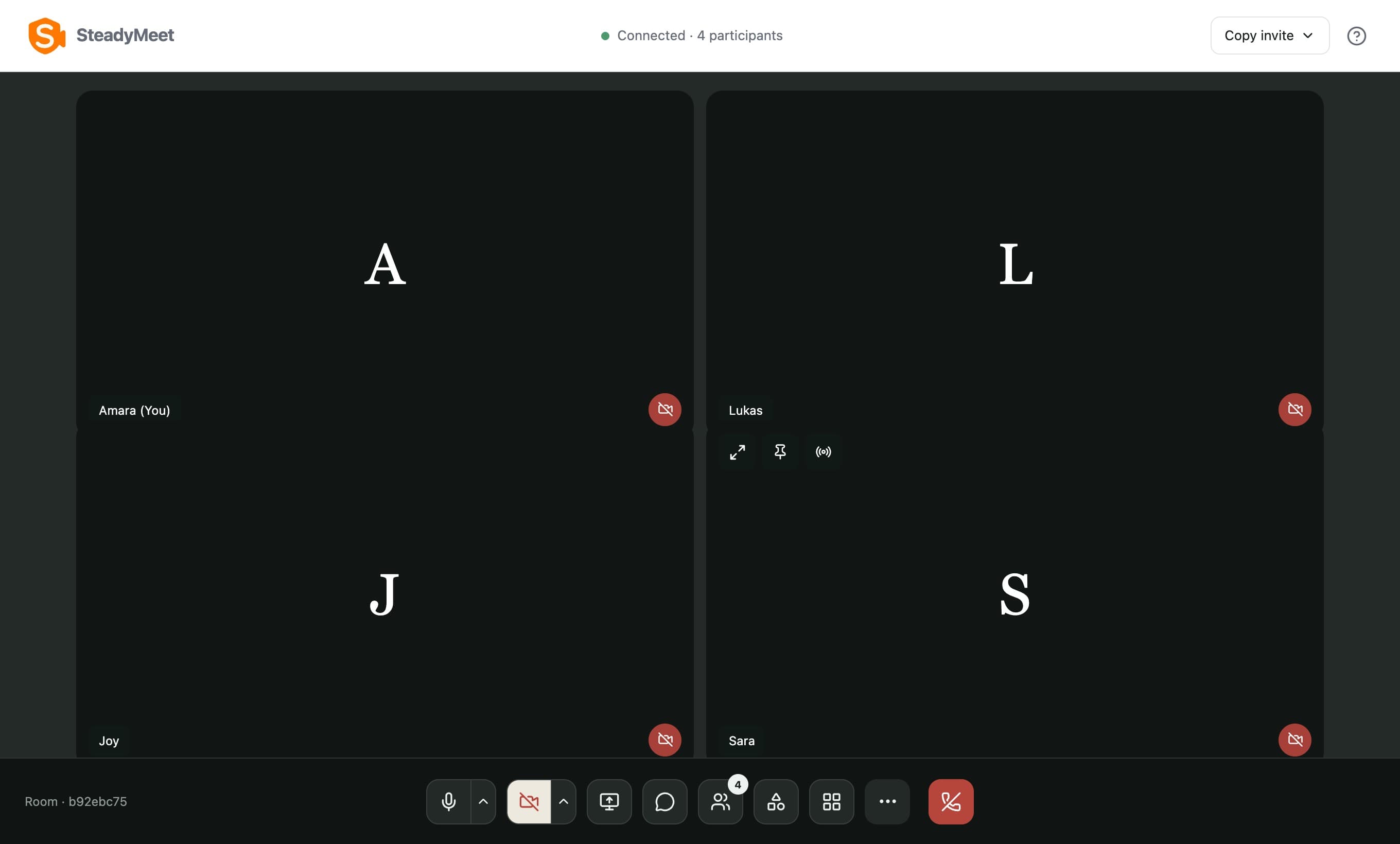
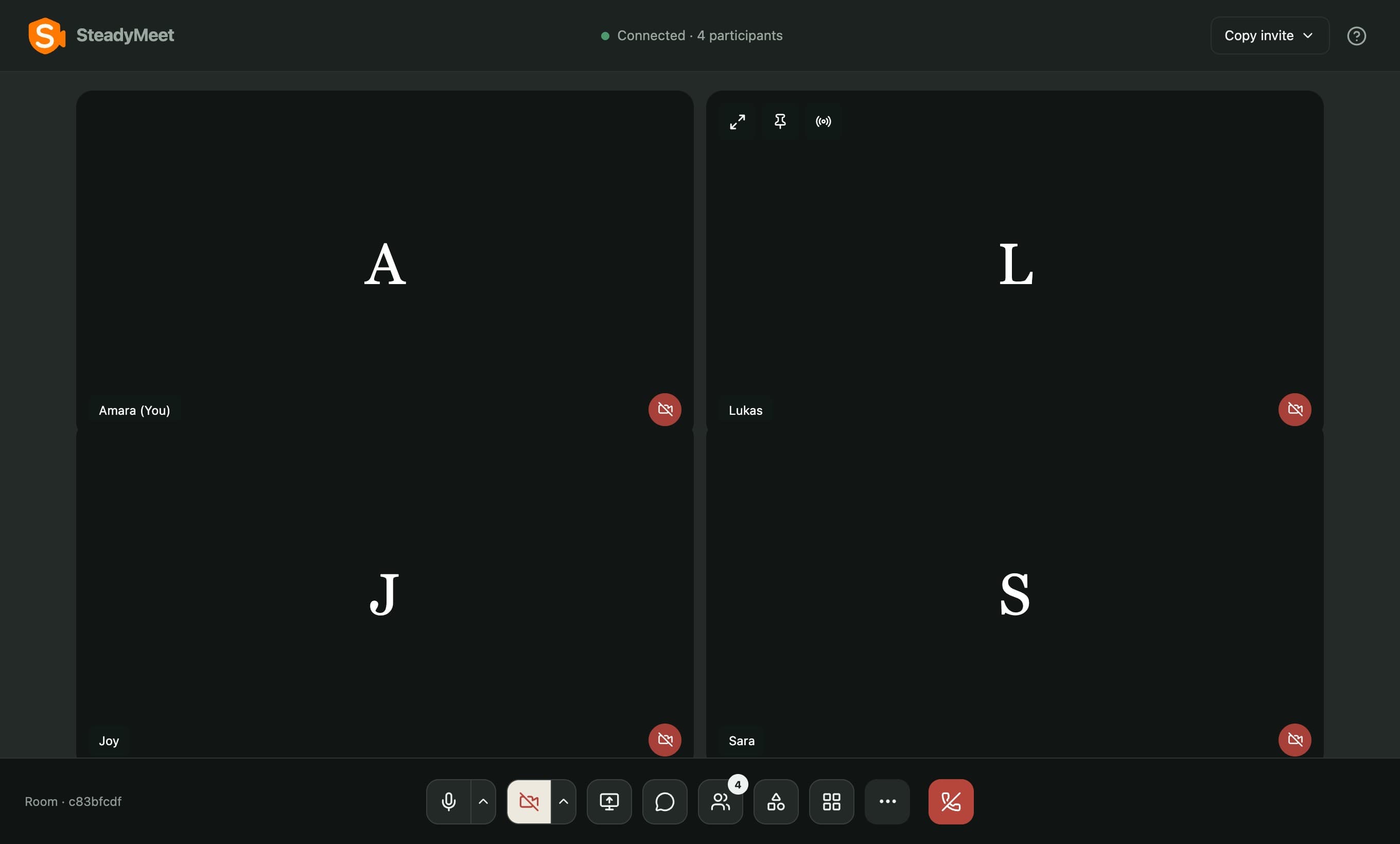
One click to meet.
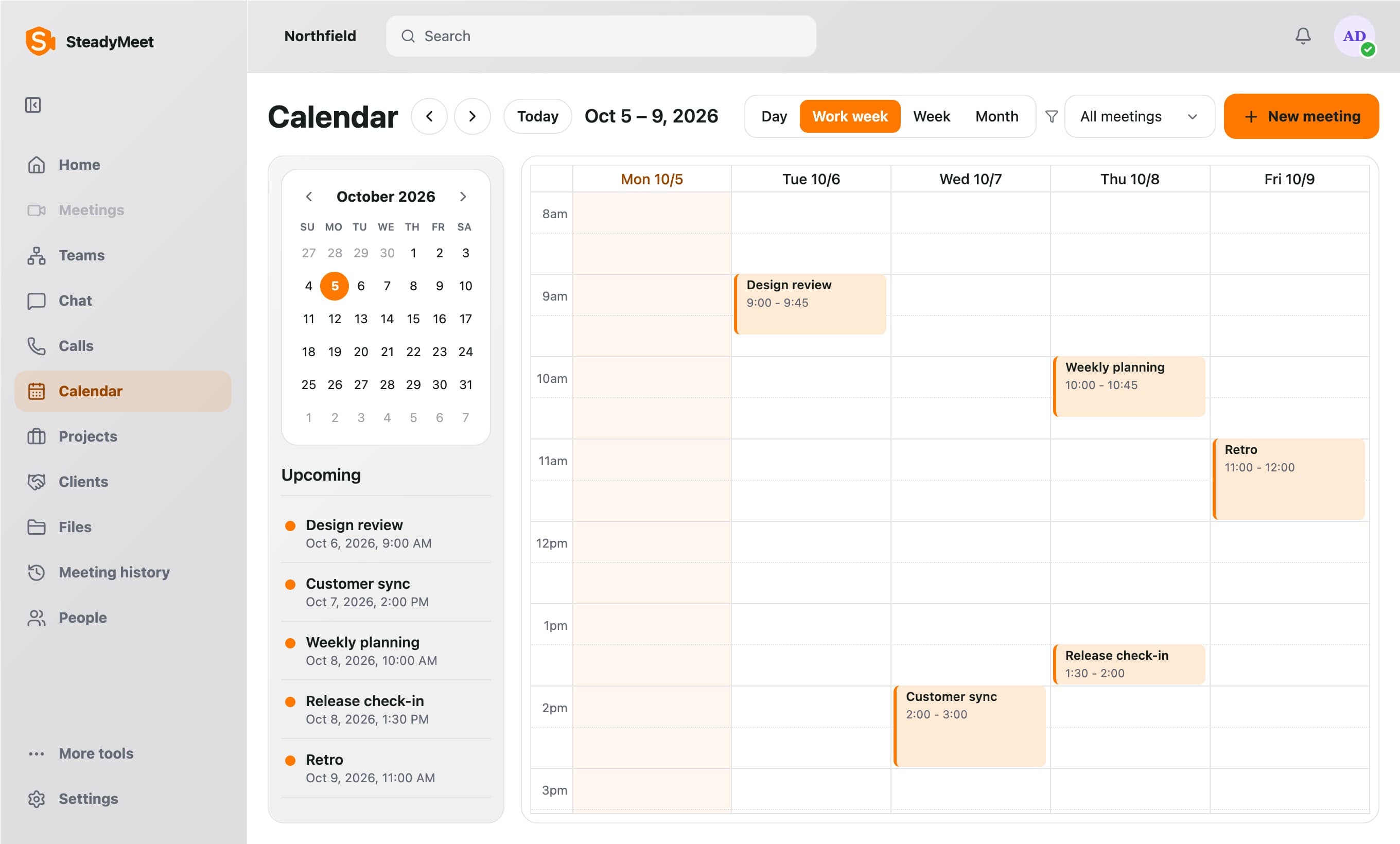
Start a video meeting in one click, or schedule ahead with a title, date, duration, and a calendar invite.
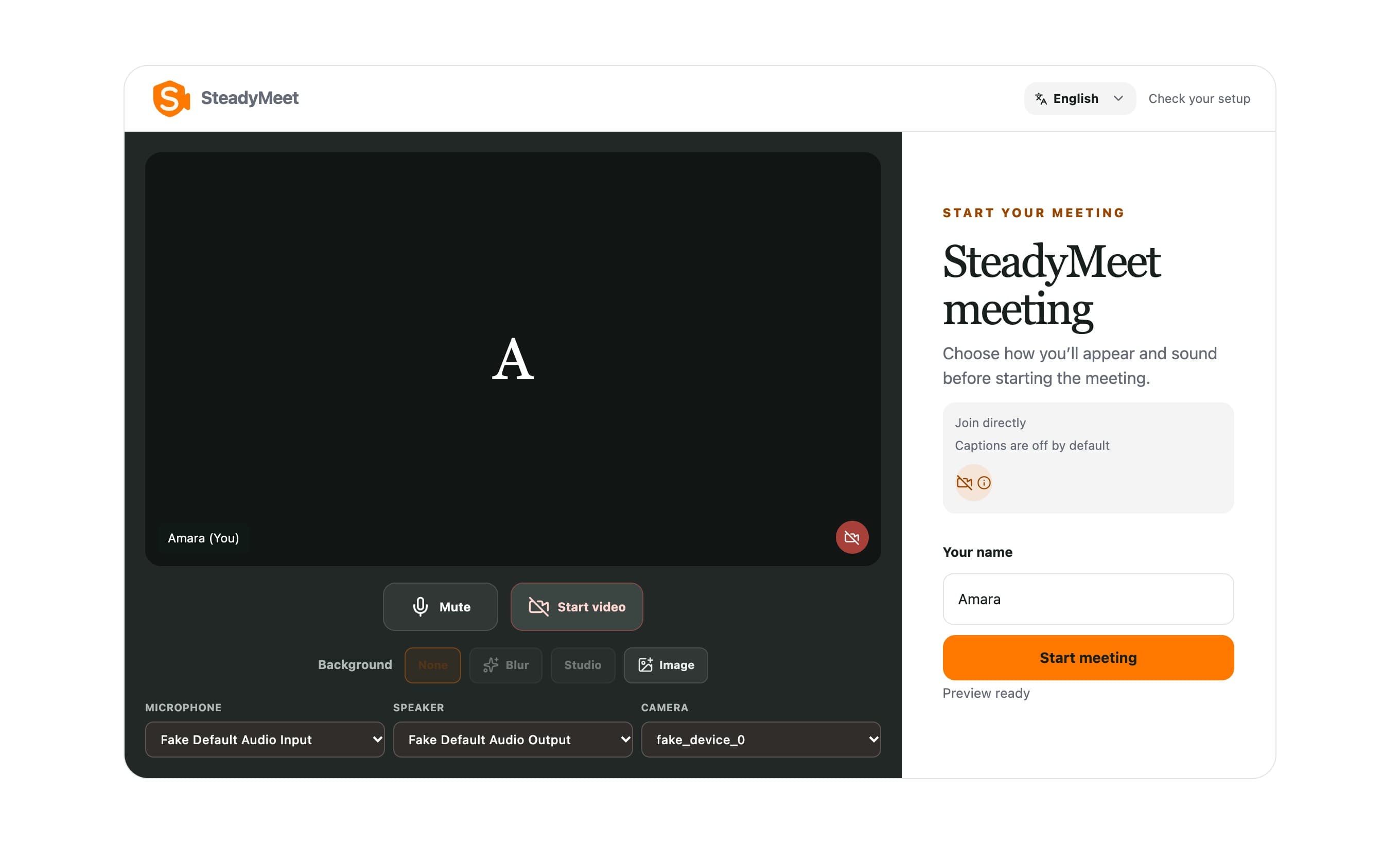
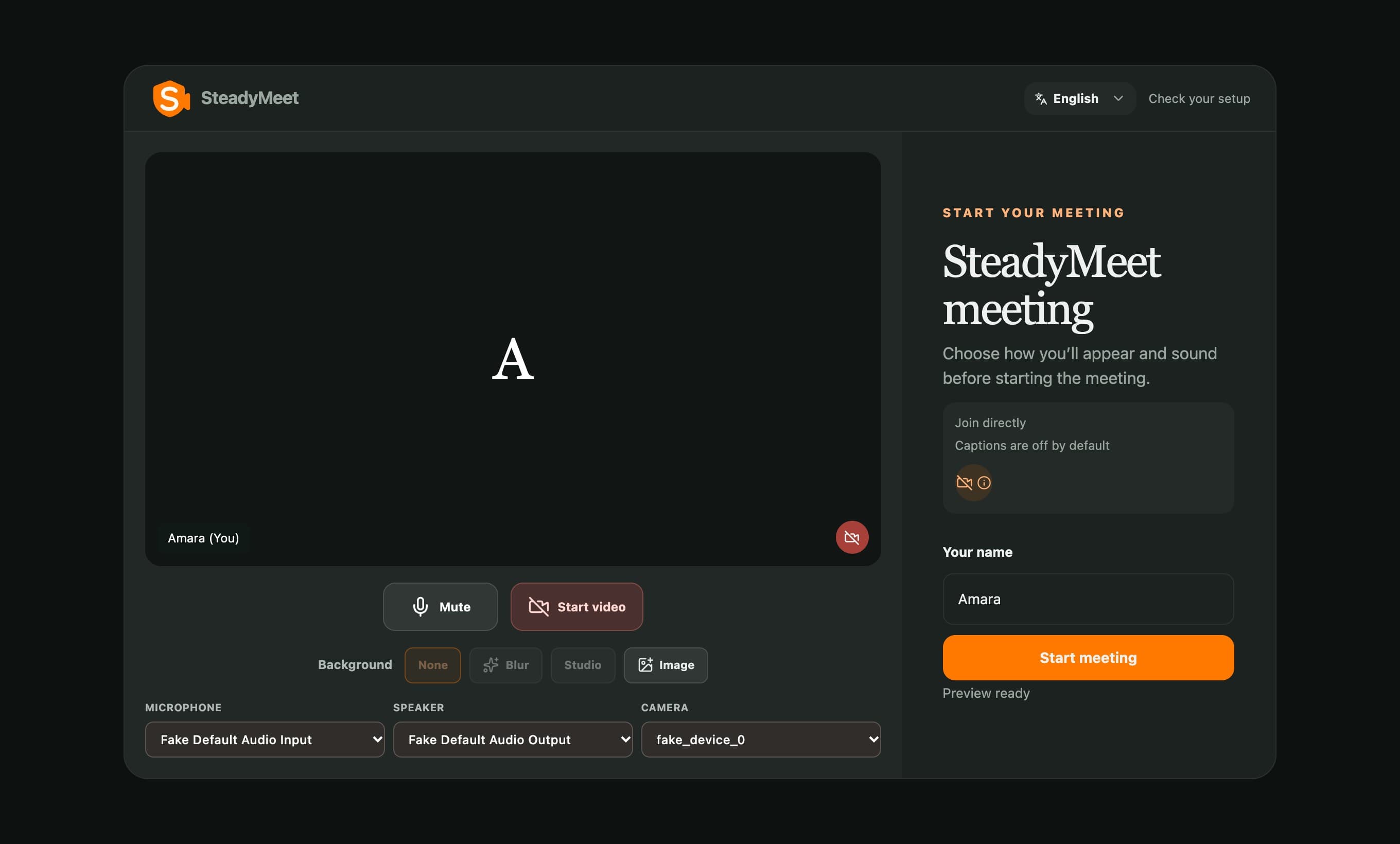
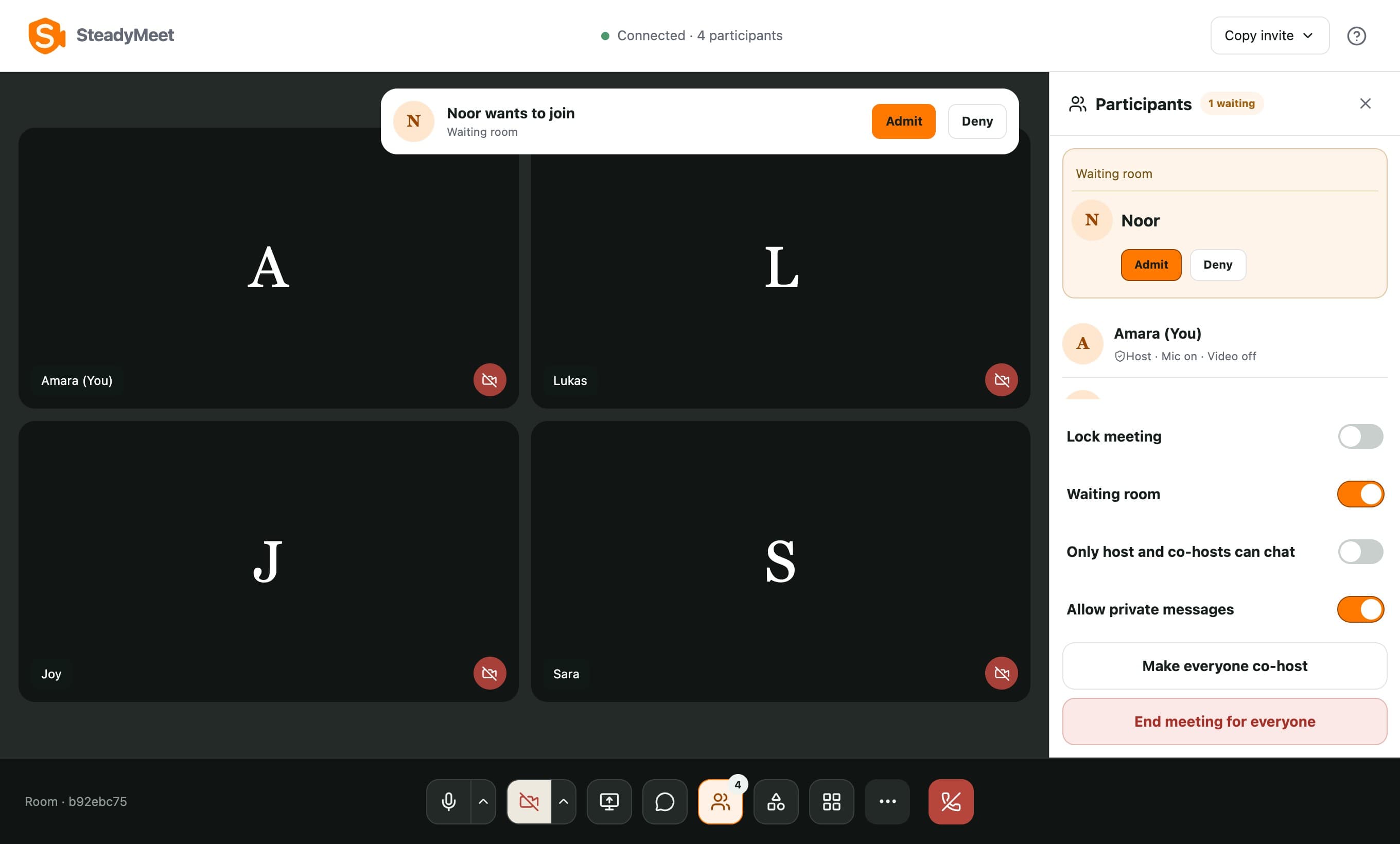
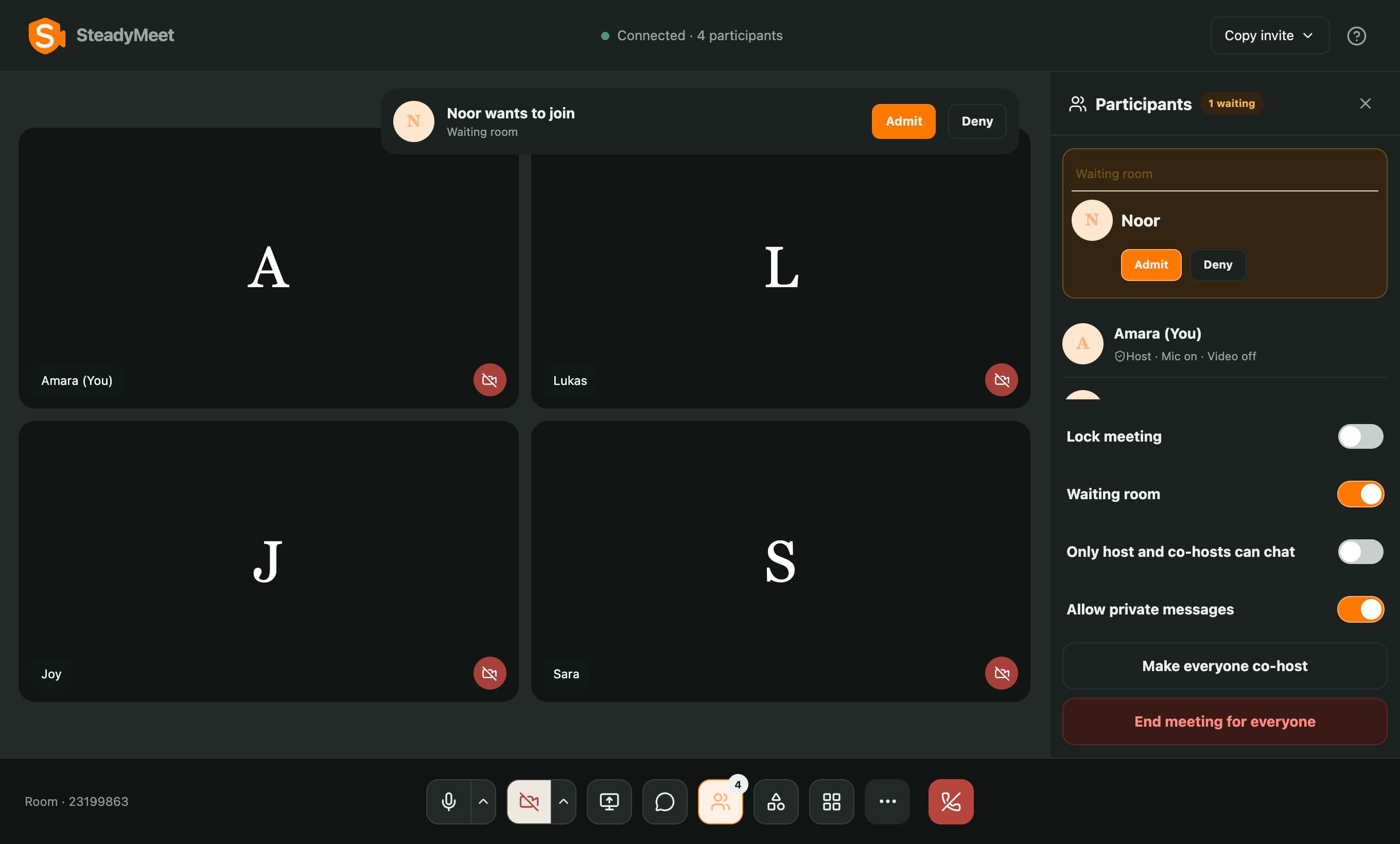
Hold the door.
Hold guests until the host admits them. Camera and microphone can start off.
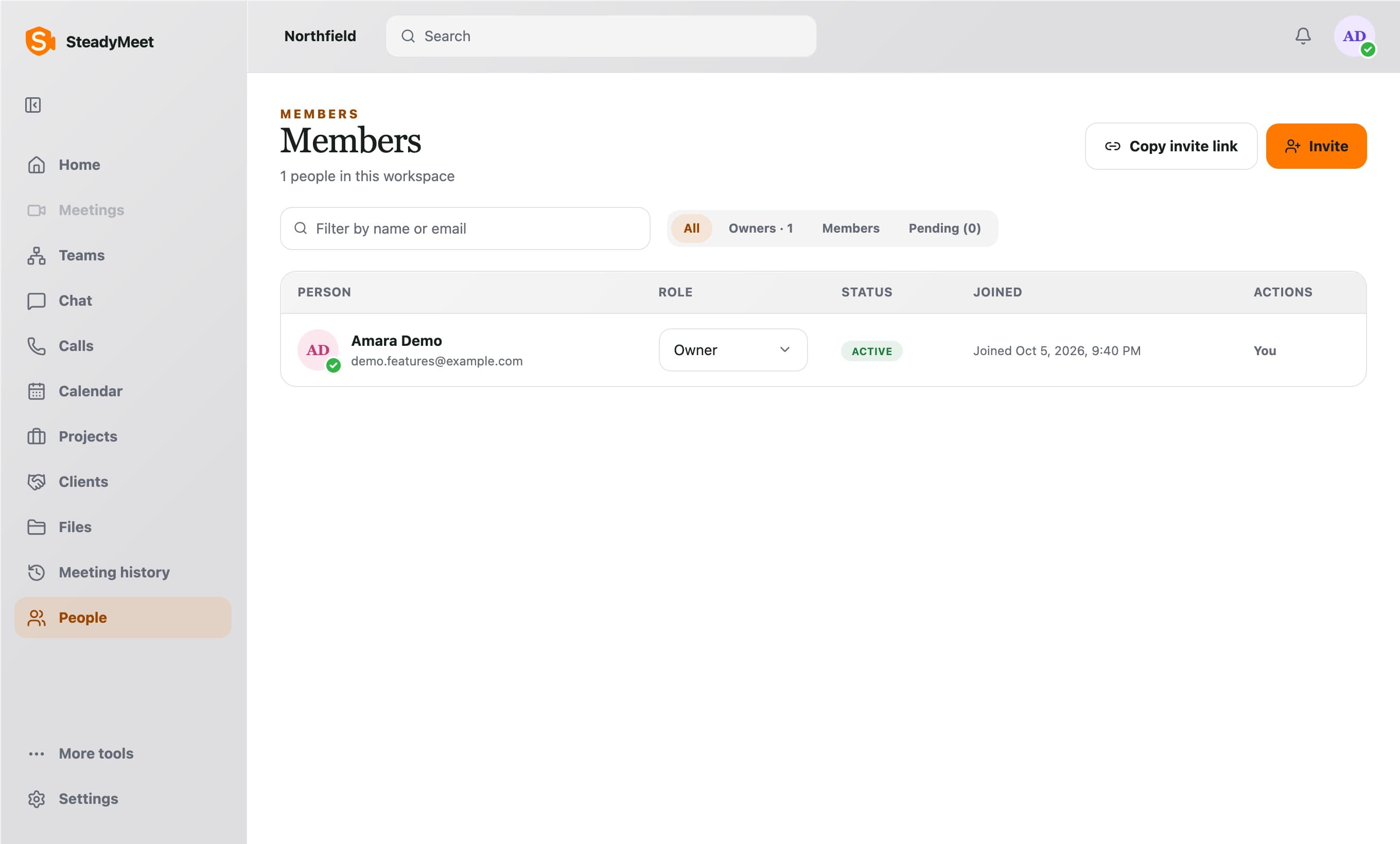
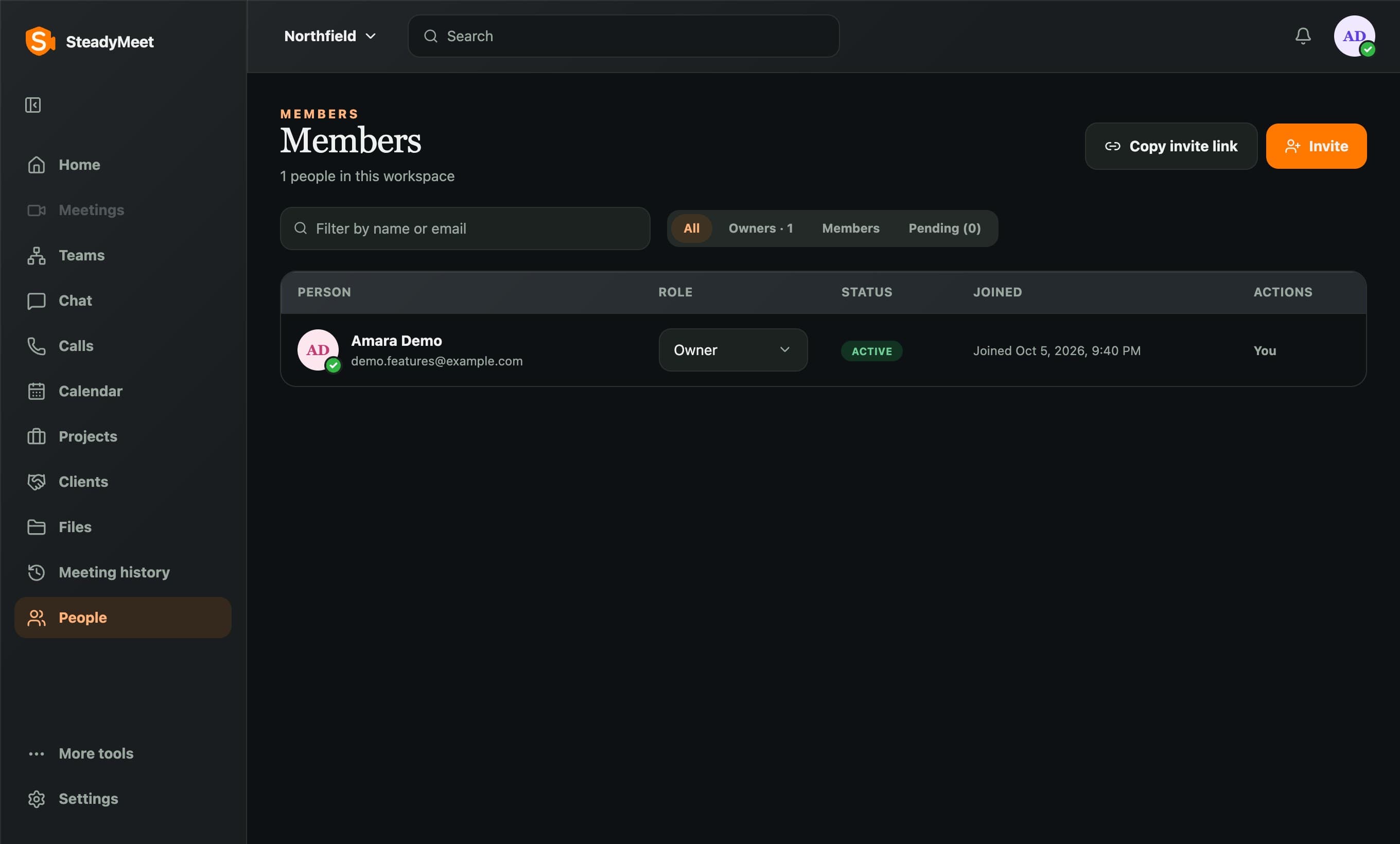
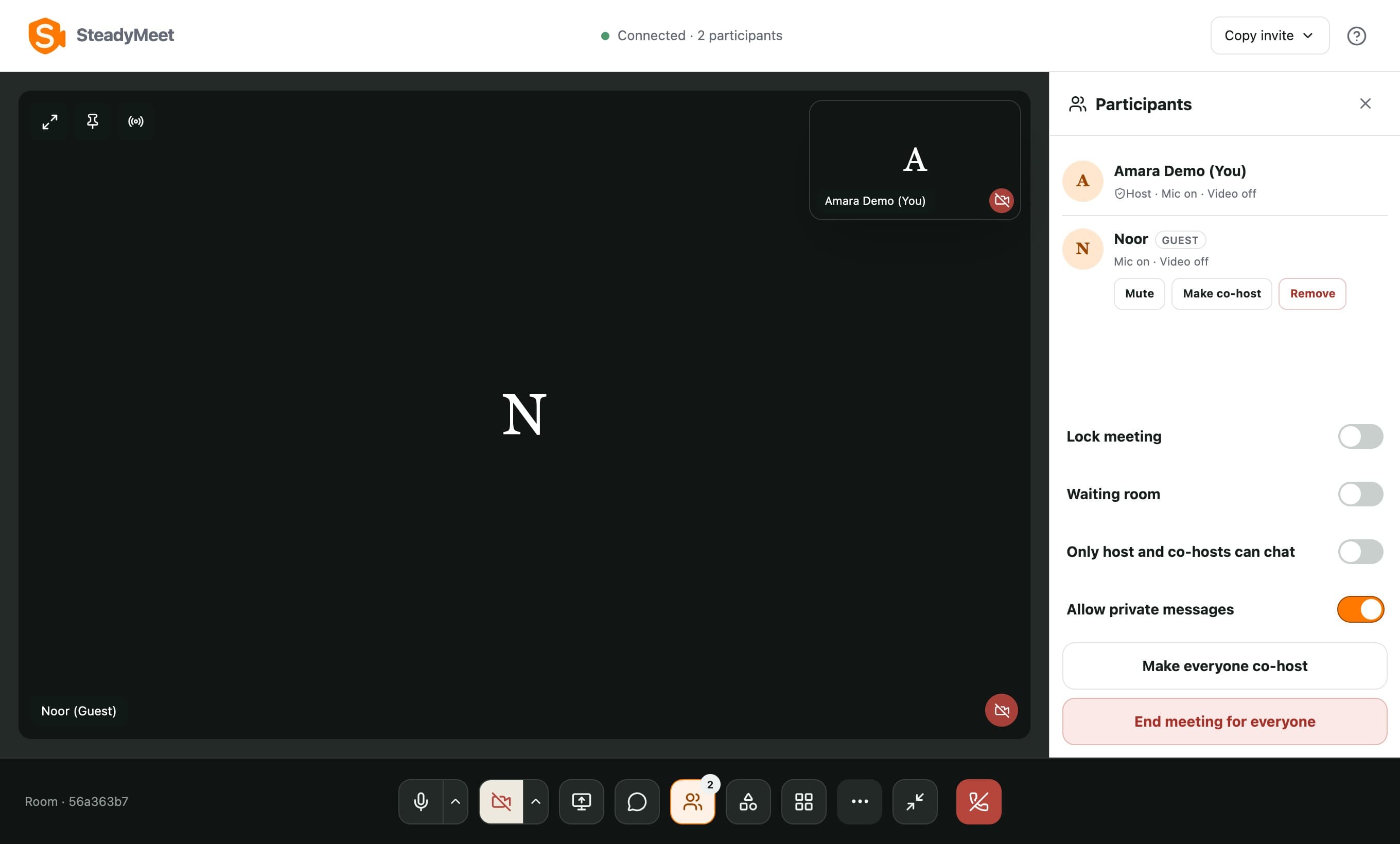
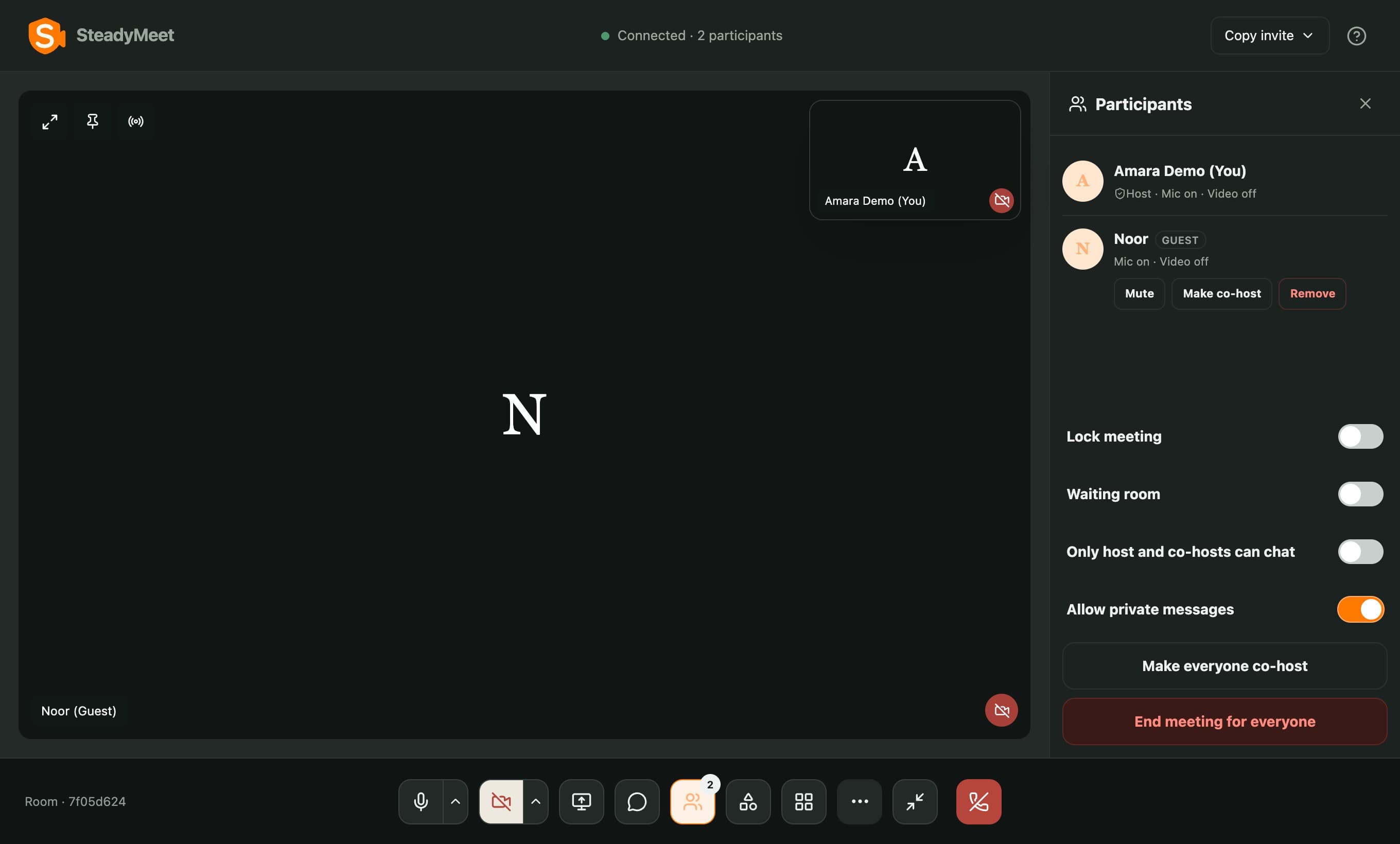
Guests, not members.
Invite a guest into one conversation or call, without access to the rest of the workspace.
Join with a face, even without a camera.
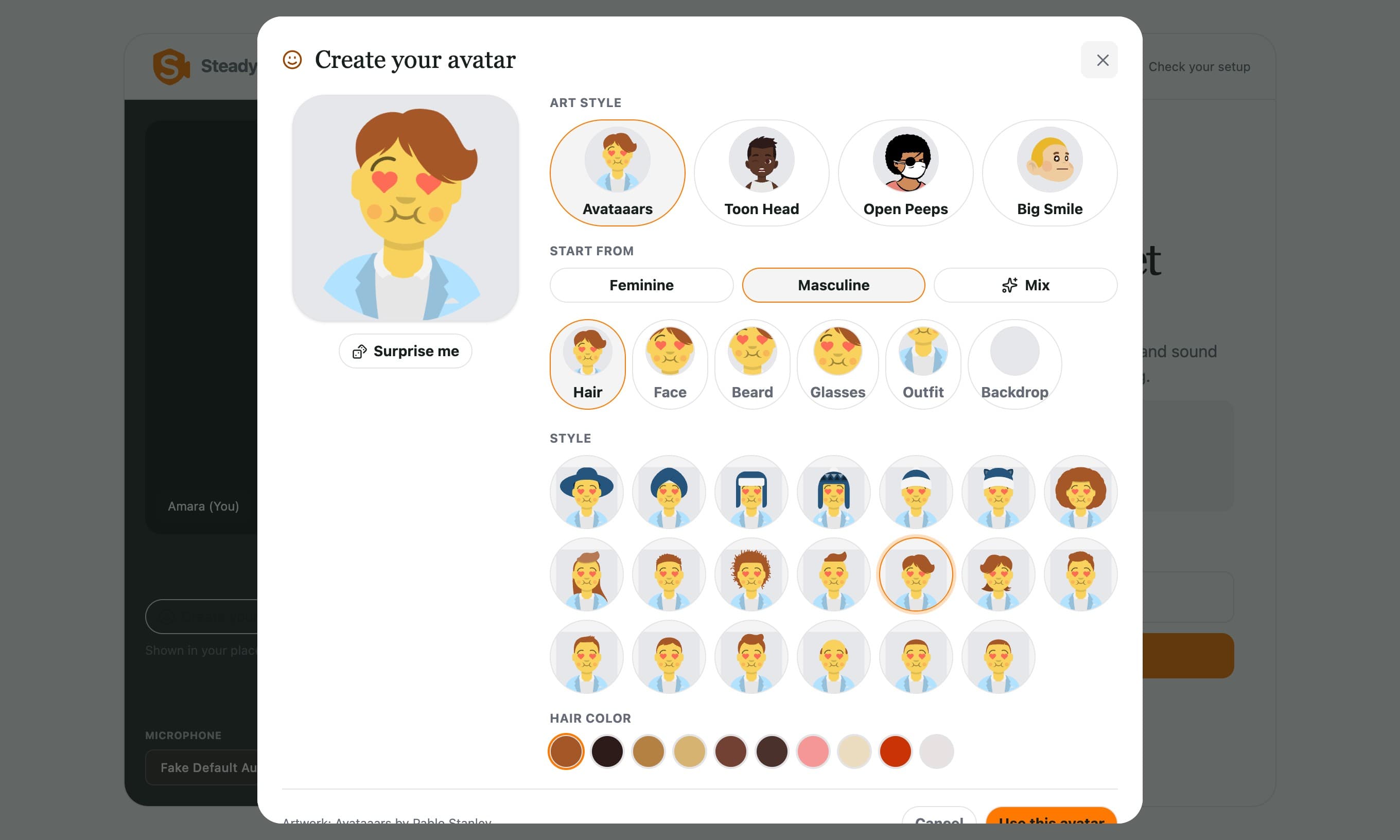
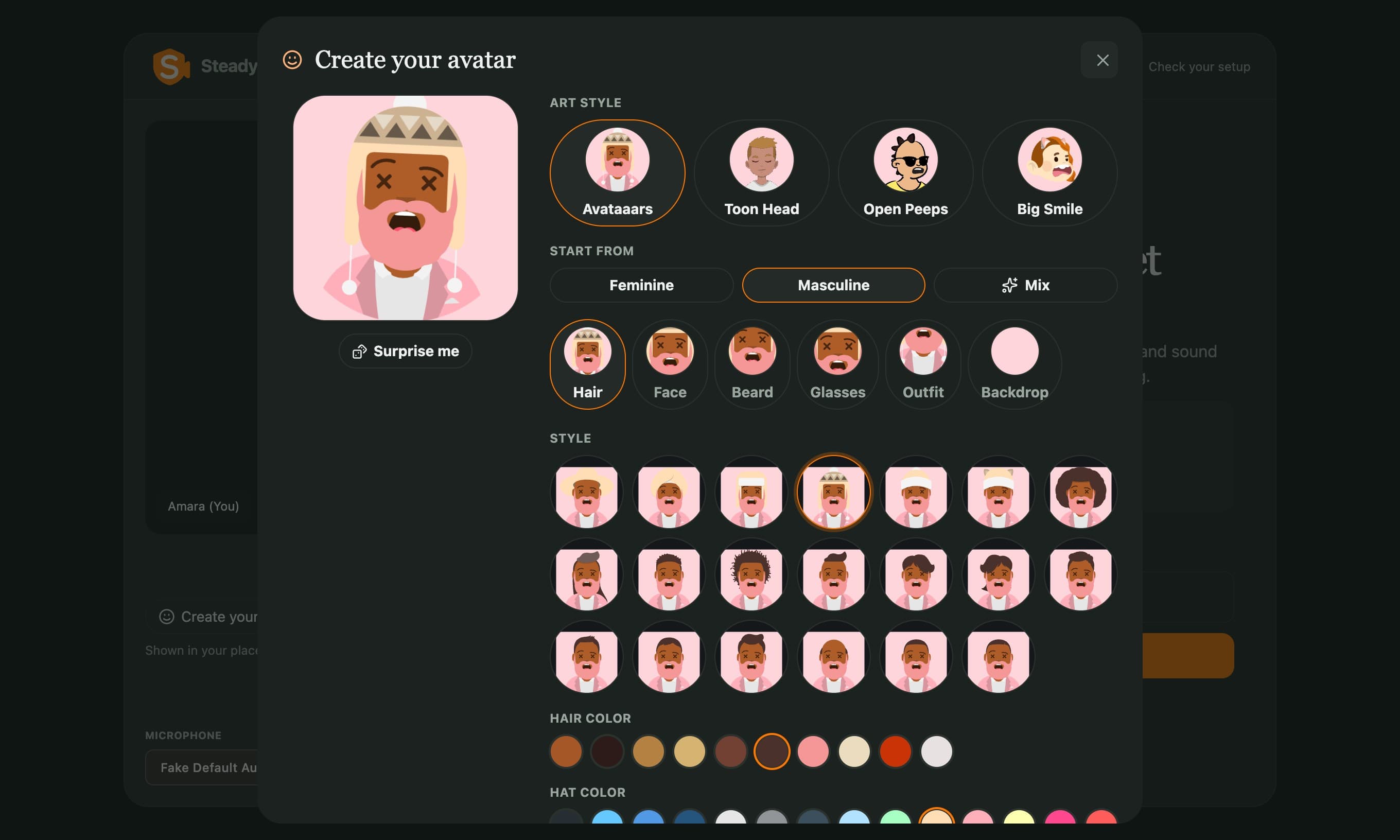
Draw an avatar in the lobby, in four art styles. It stands in for your camera, and it talks when you do.
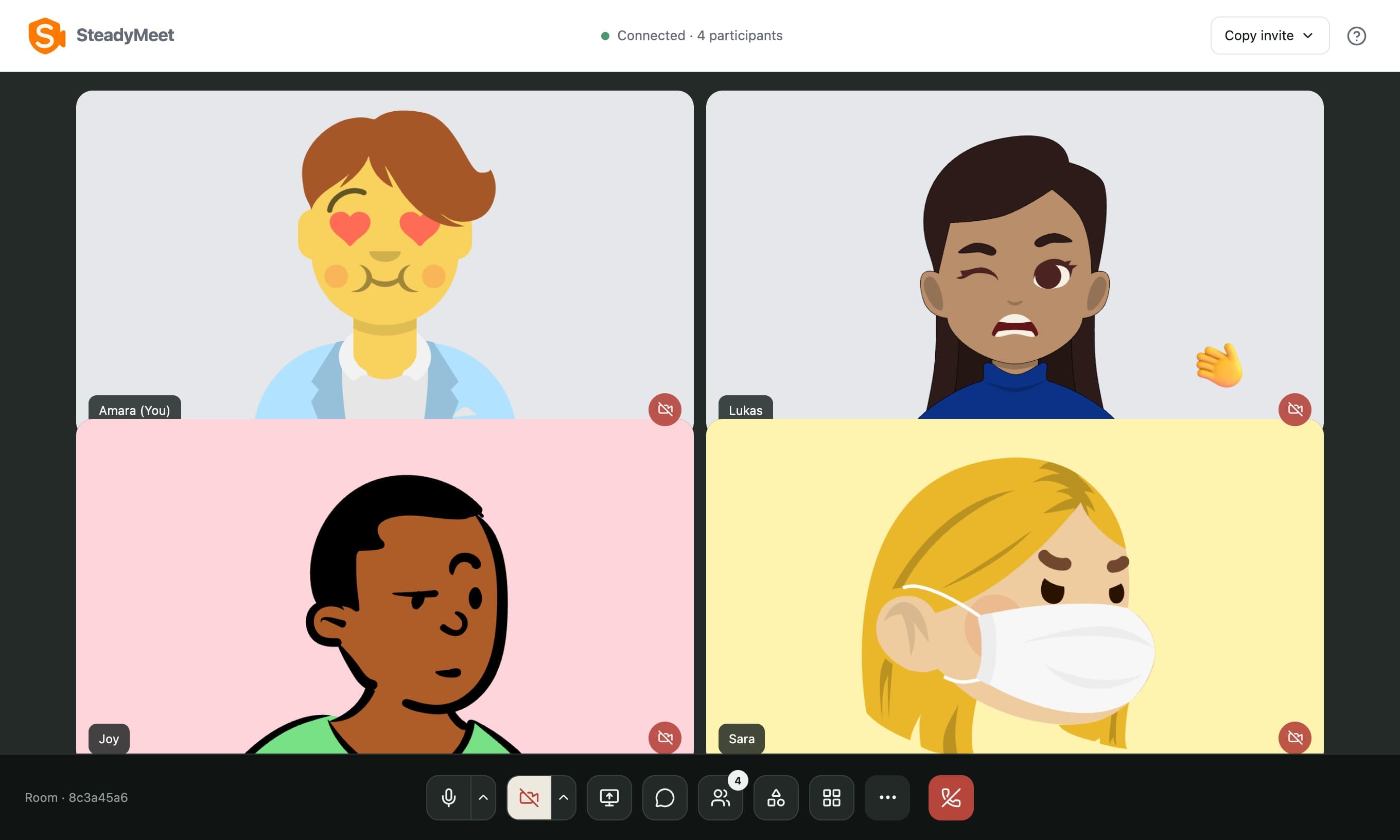
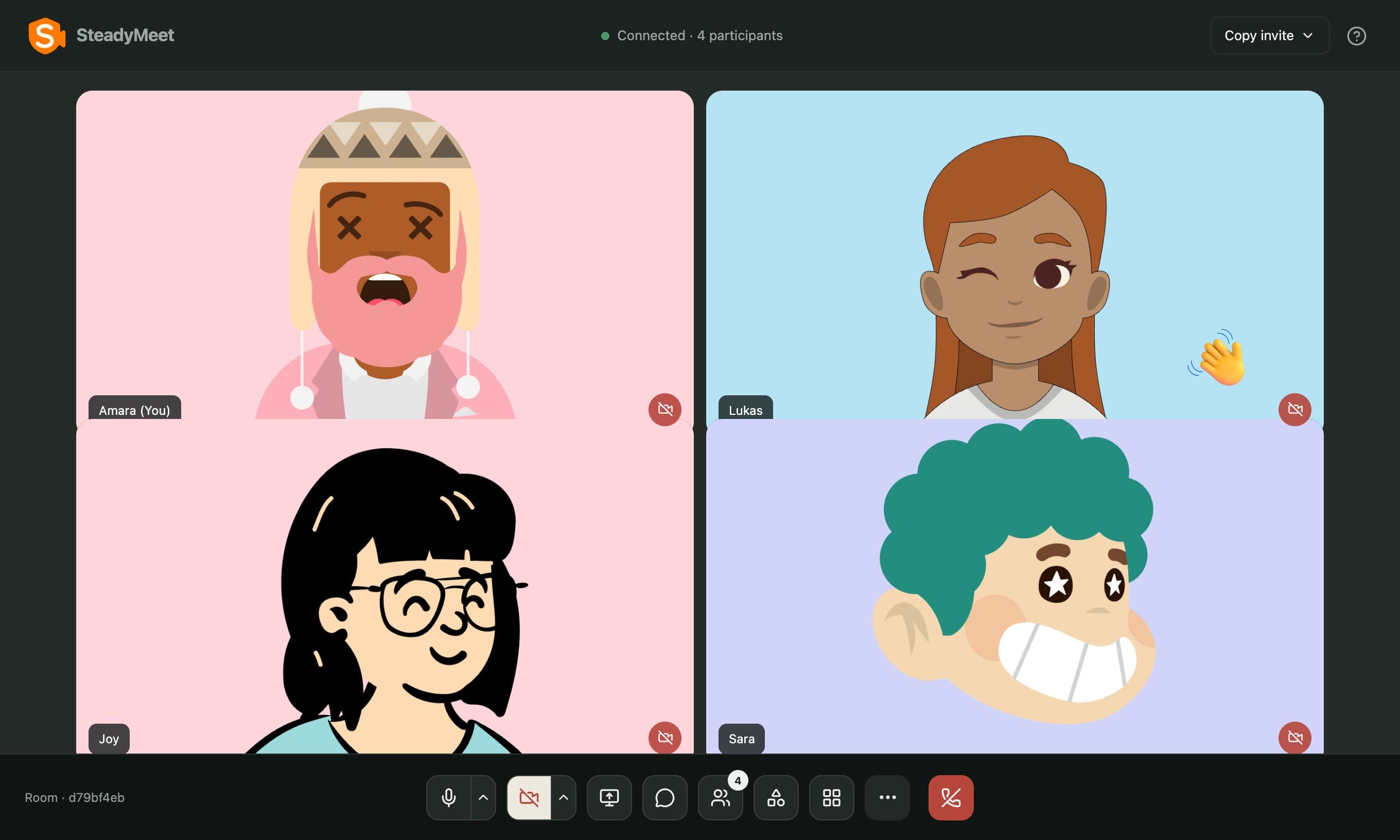
Say it with a wave.
Send expressions that play on your tile. Guests can wave and give a thumbs up; signed-in people get more.
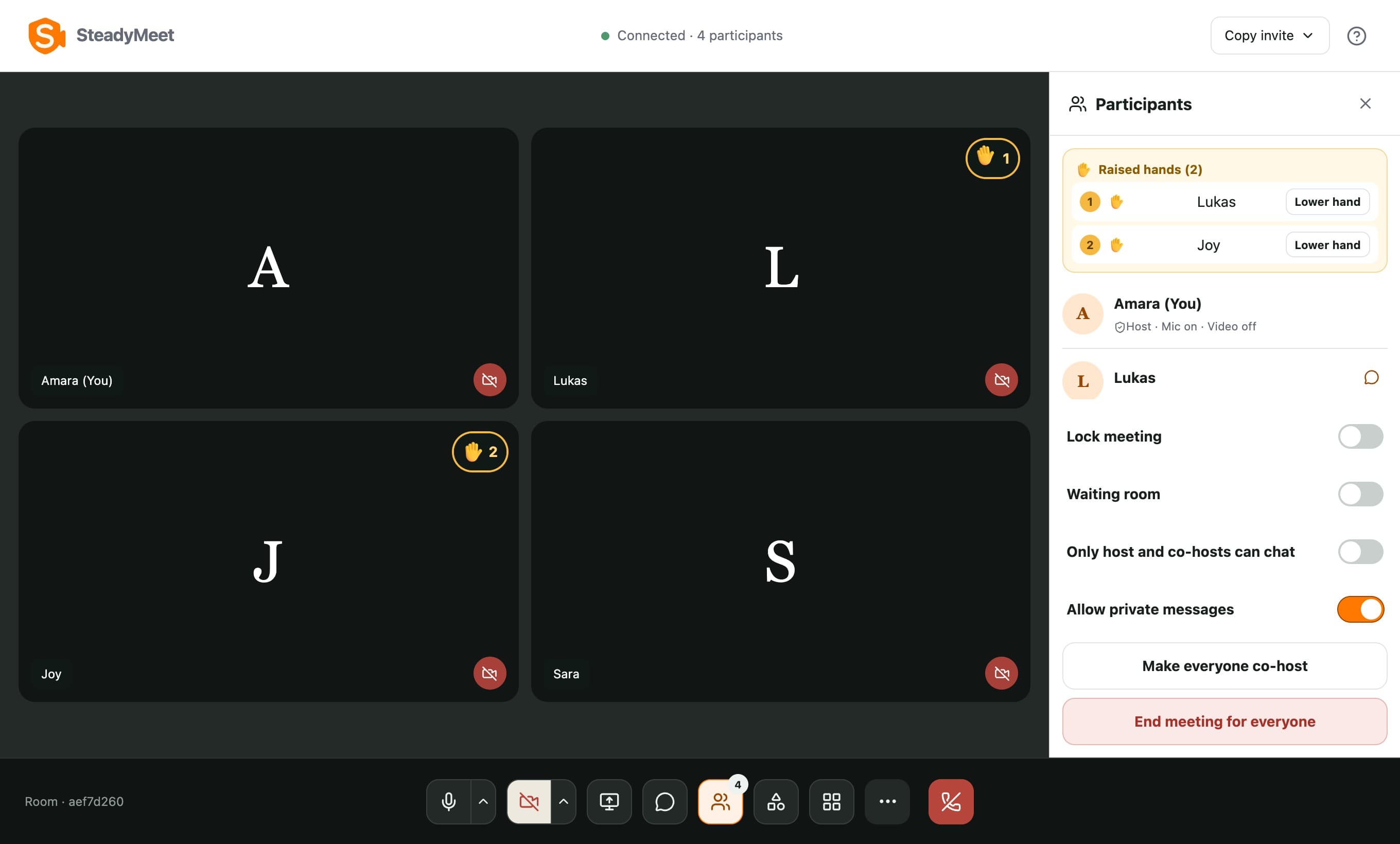
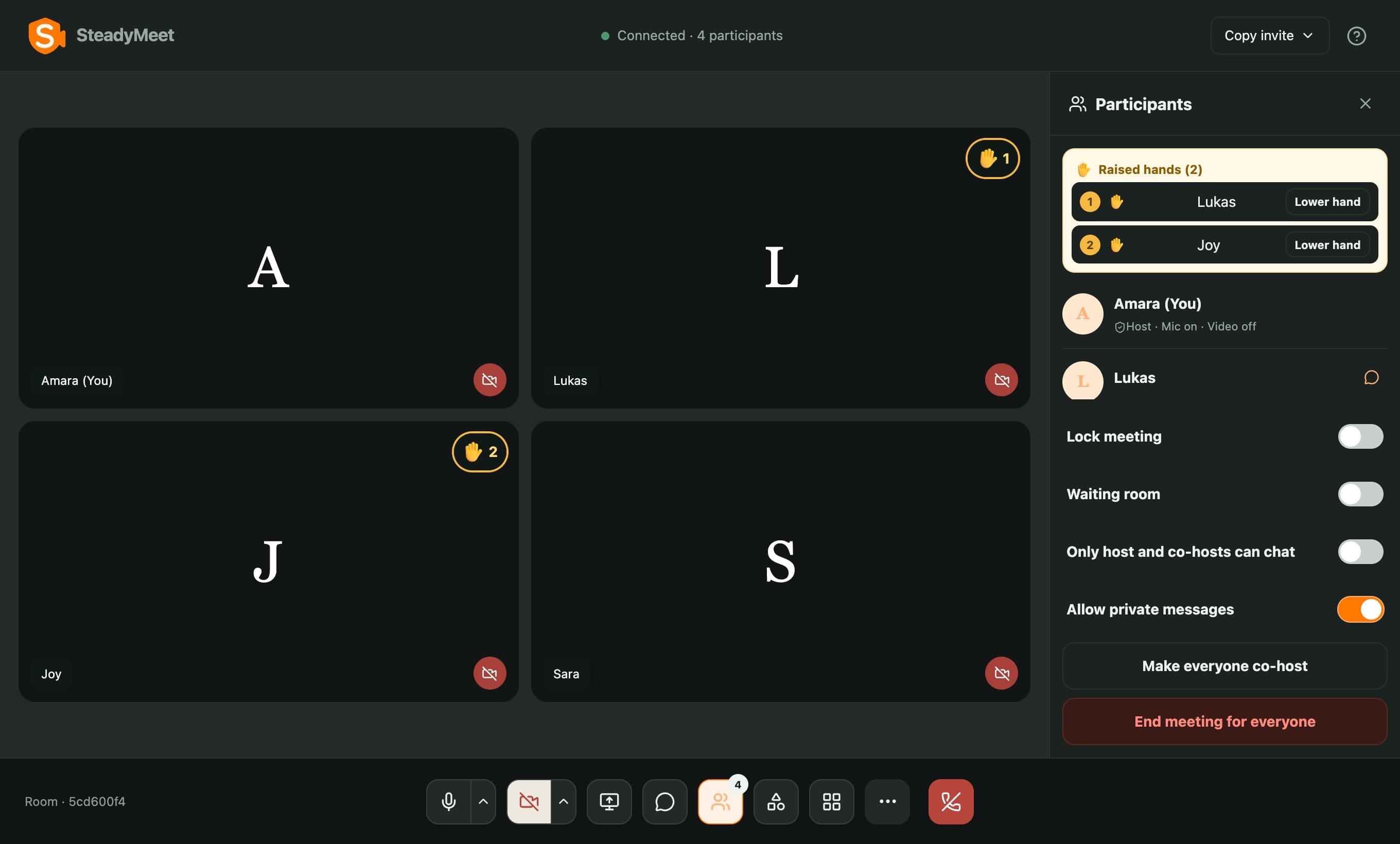
Every hand, in order.
Raised hands line up in the order they went up, and the host lowers each one once the question is taken.
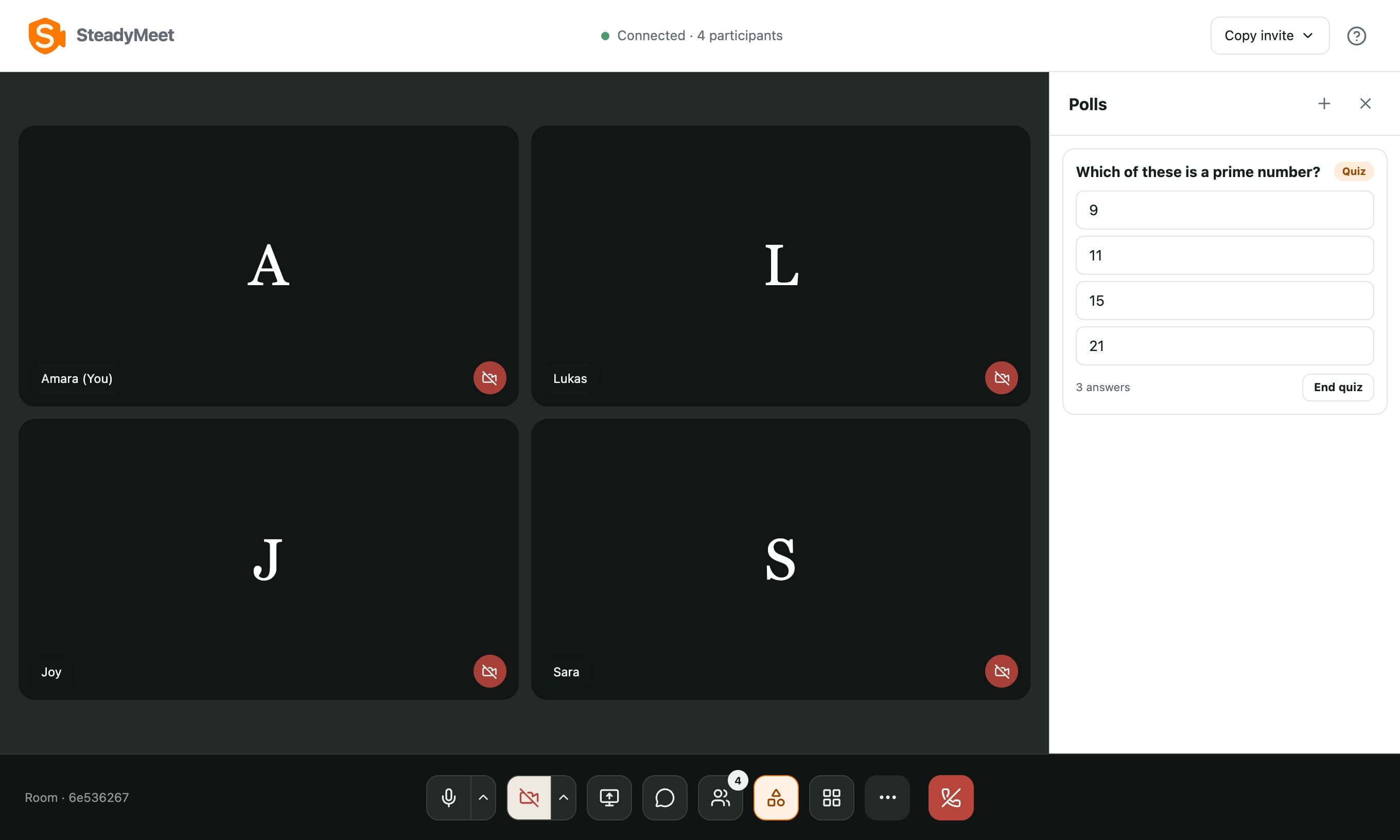
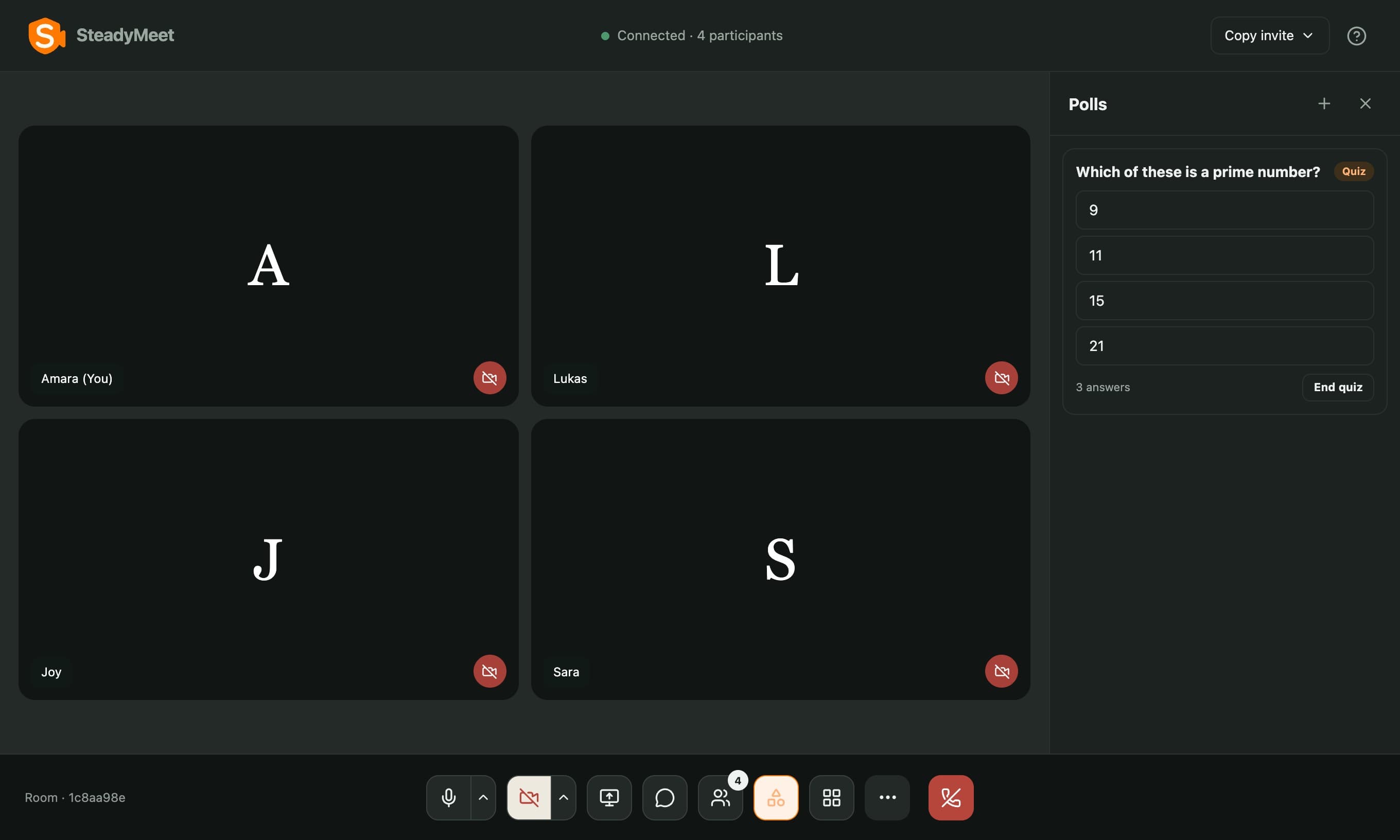
Quiz the room, live.
Turn a poll into a quiz and mark the right answer. It stays hidden until you end the quiz.
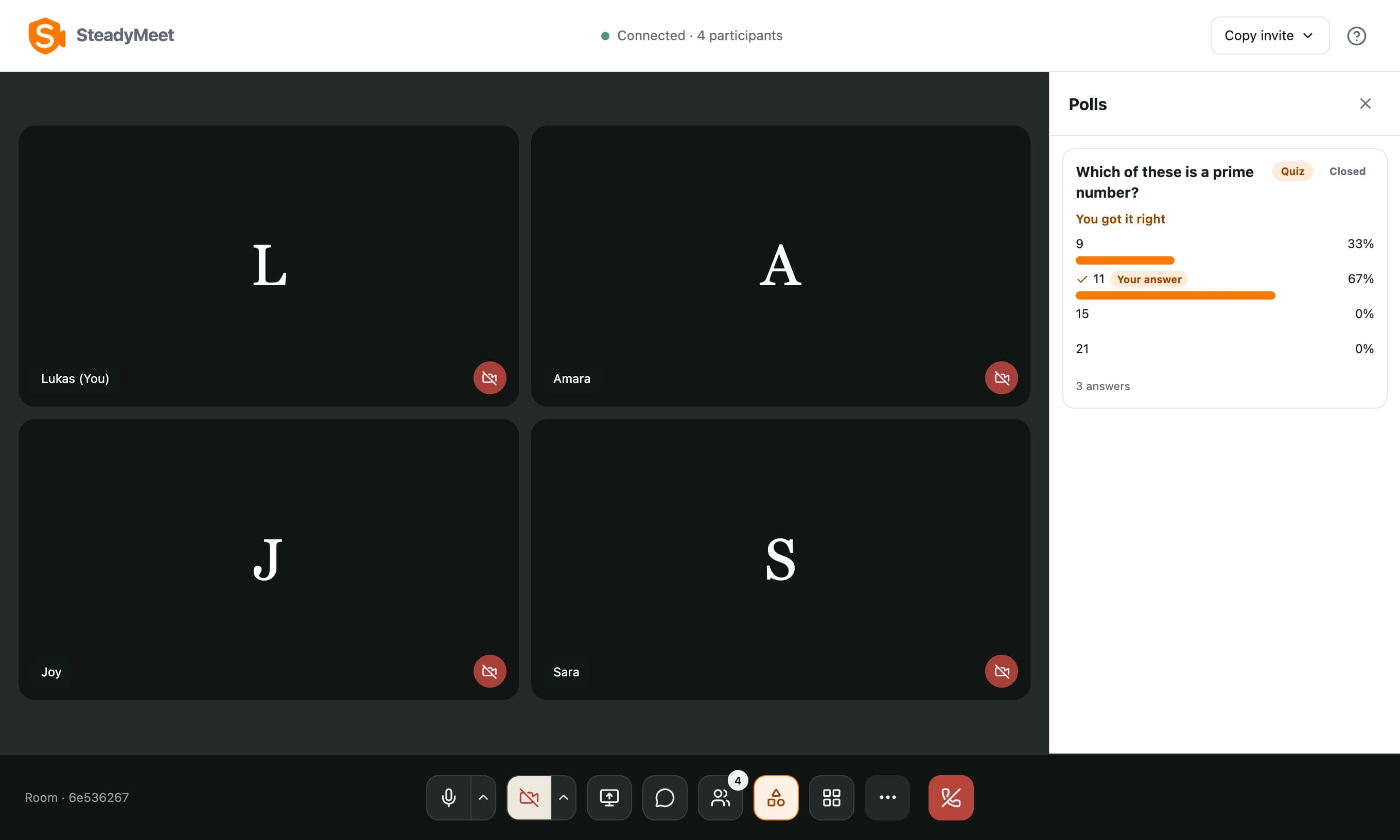
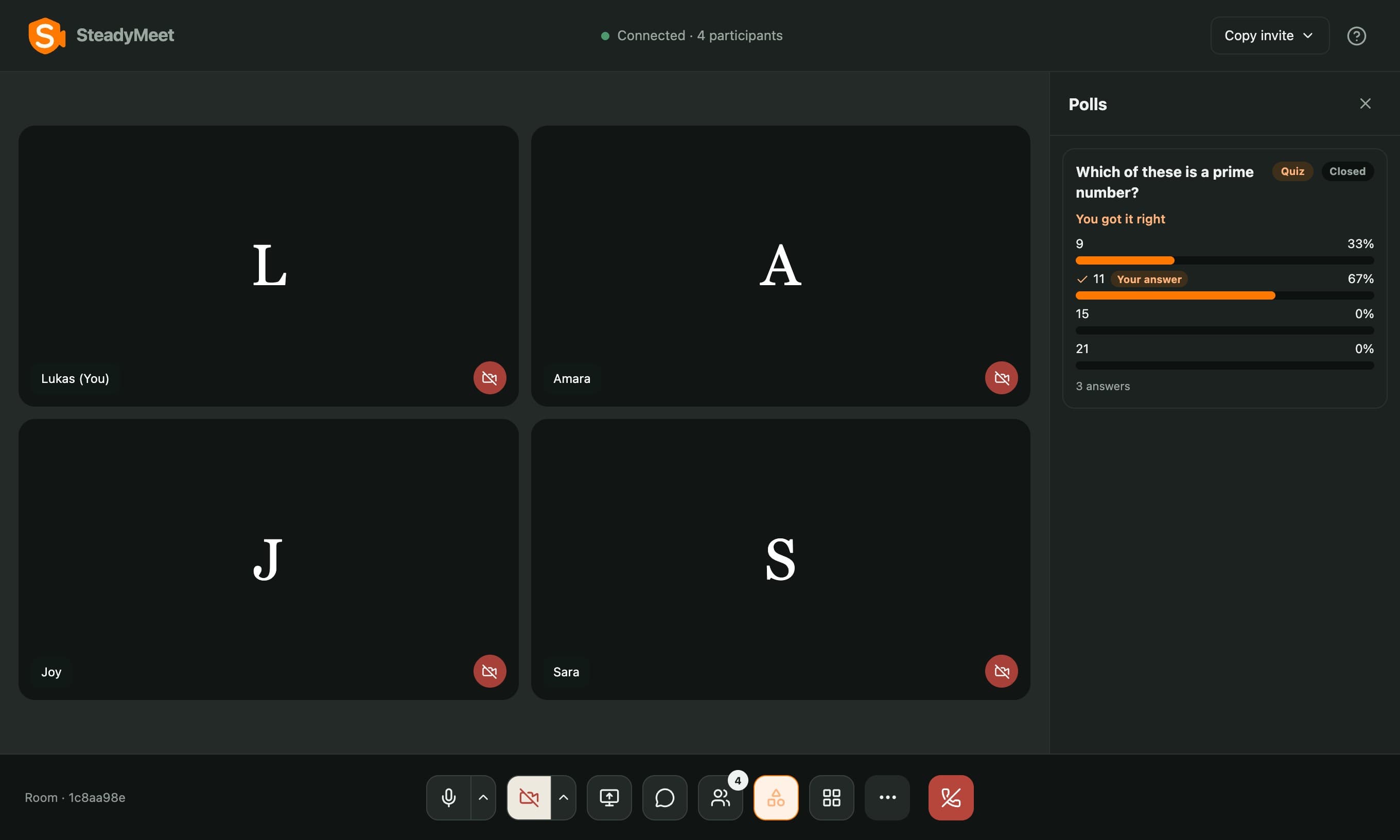
Then reveal the answer.
When it ends, everyone sees the right answer and whether they got it.
Clear, even on a bad connection.
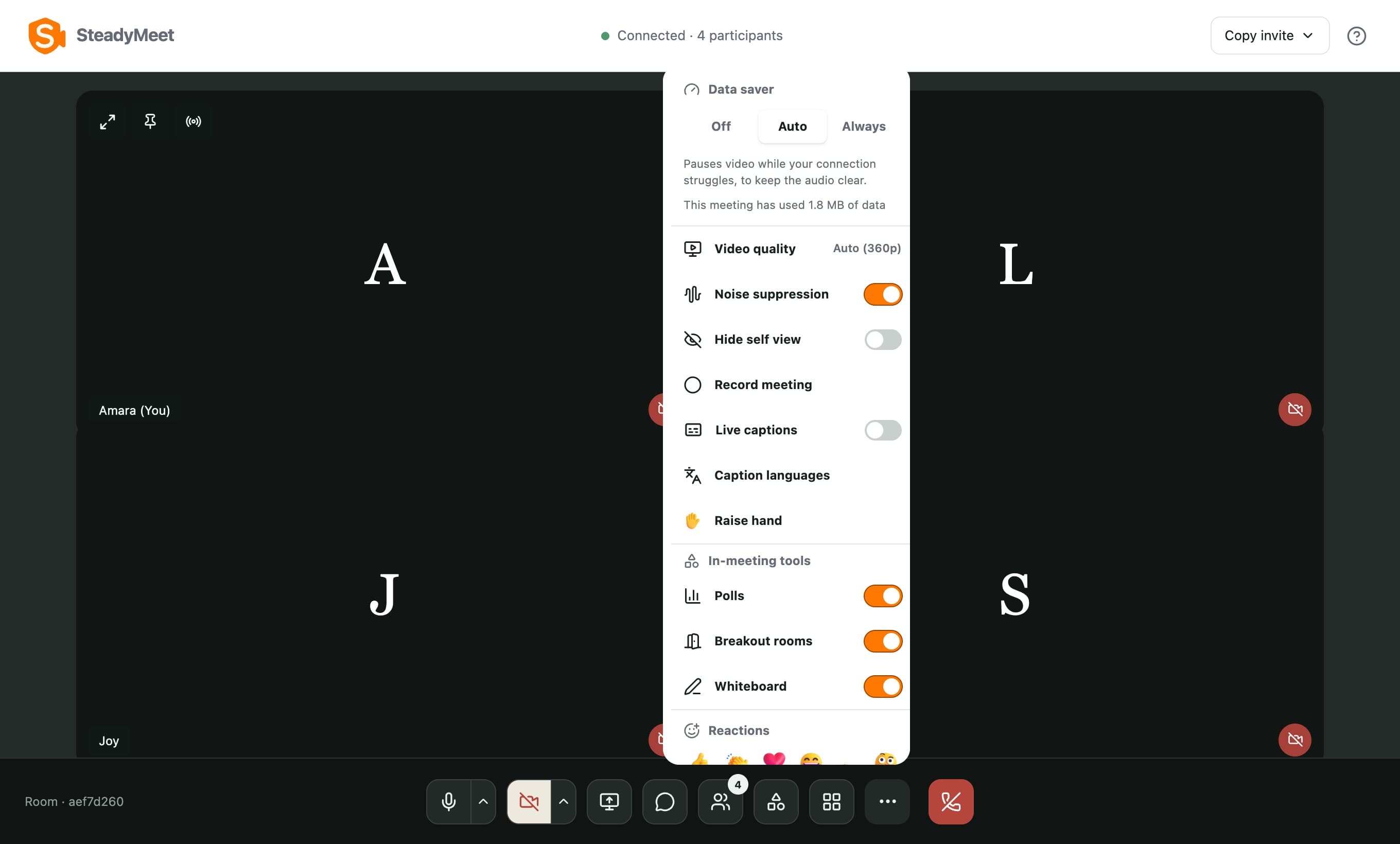
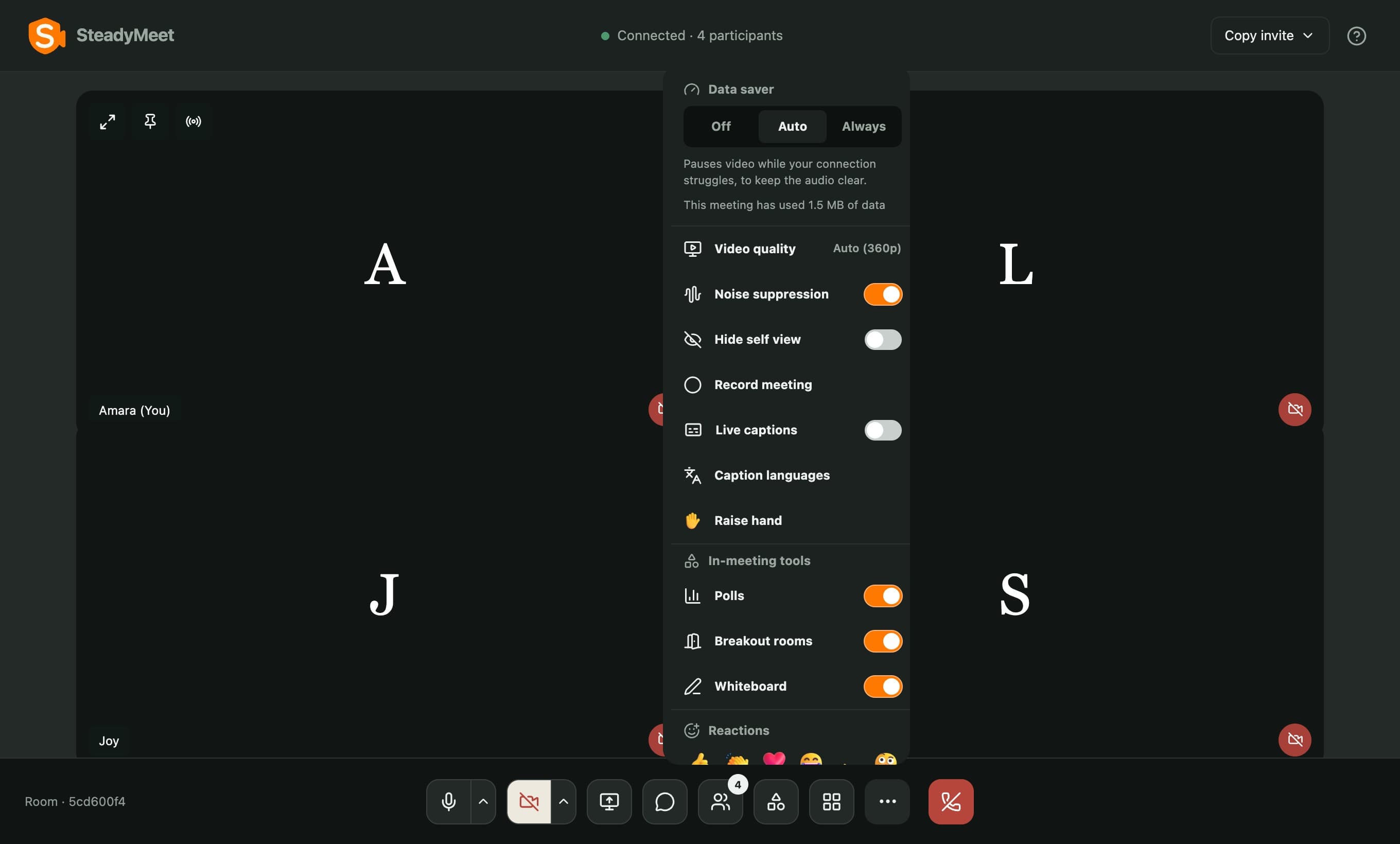
Video quality adapts to each connection, and Data saver pauses video when it struggles, so the audio stays clear.
End-to-end, when it matters.
Switch it on for a meeting, and audio and video are encrypted in the browser with a key the server never sees.
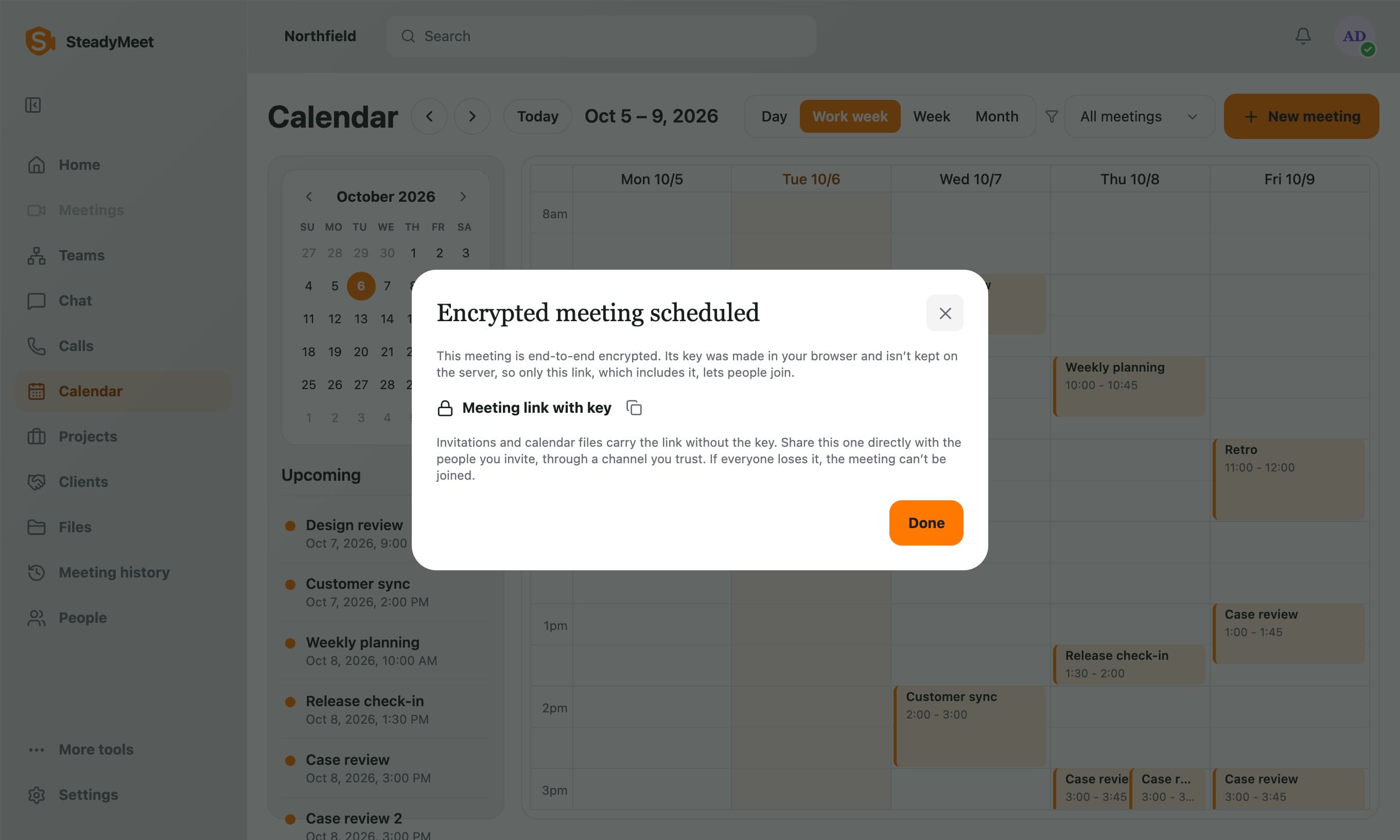
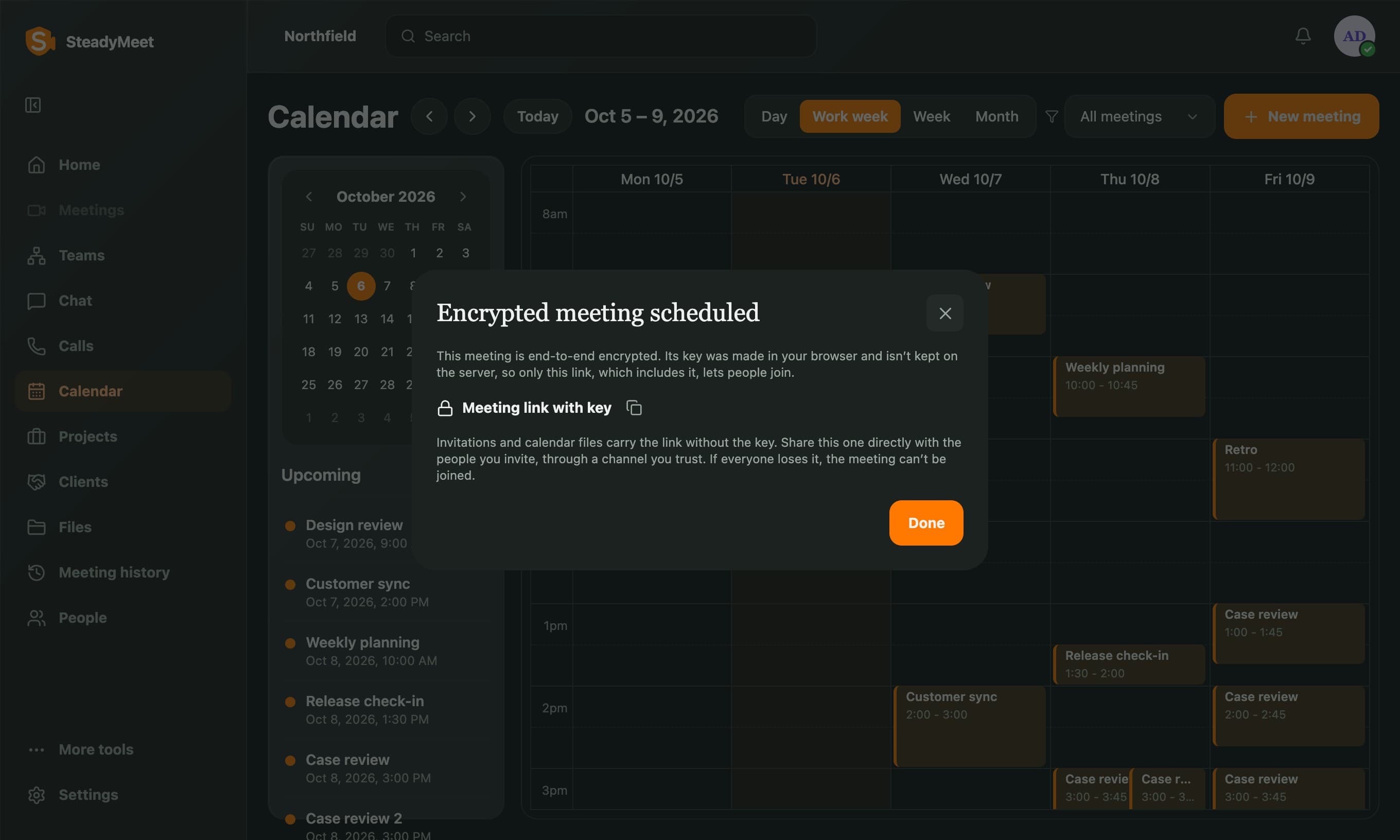
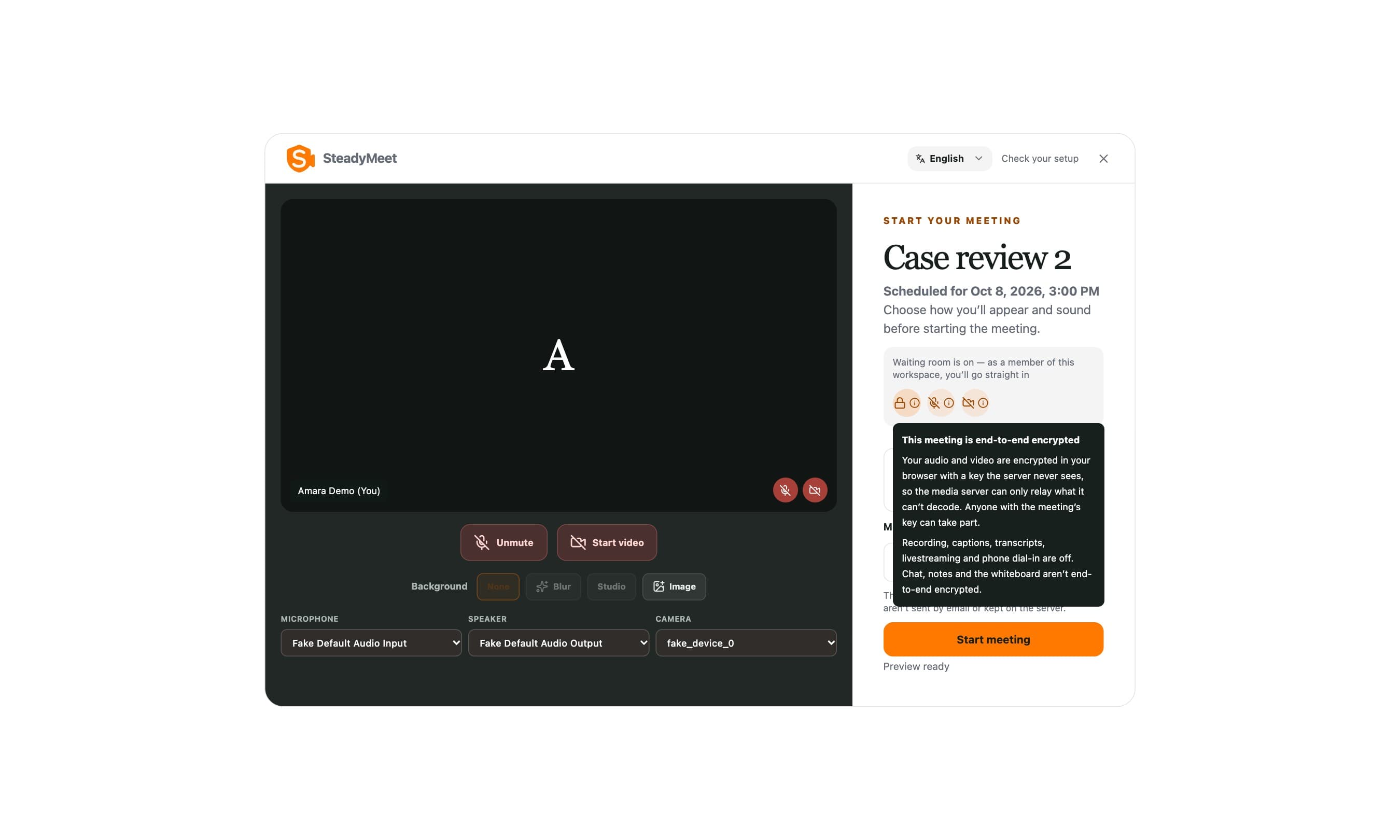
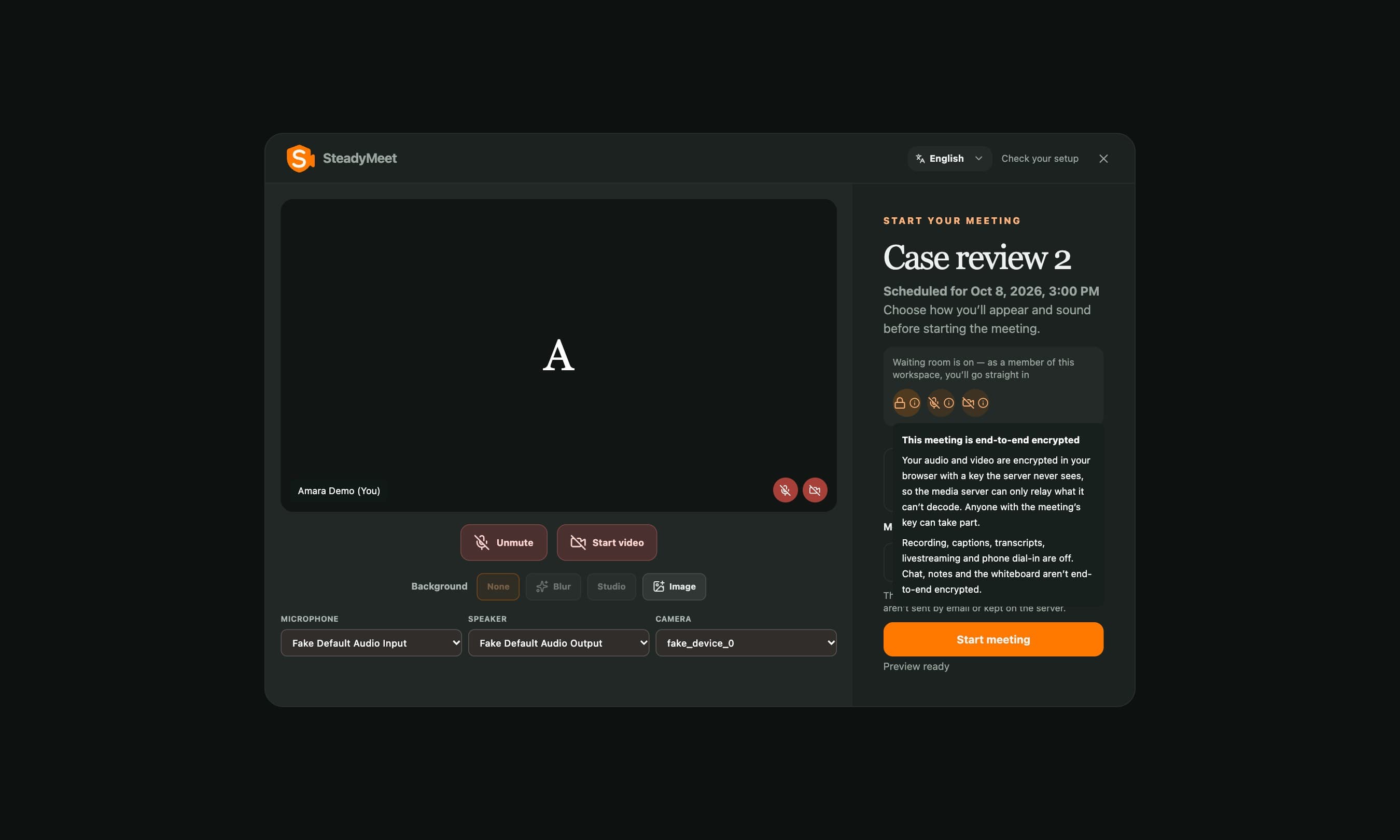
Everyone joins with the key.
The lobby is plain about it: recording, captions and livestreaming are off, and chat, notes and the whiteboard are not end-to-end encrypted.
One place for the work.
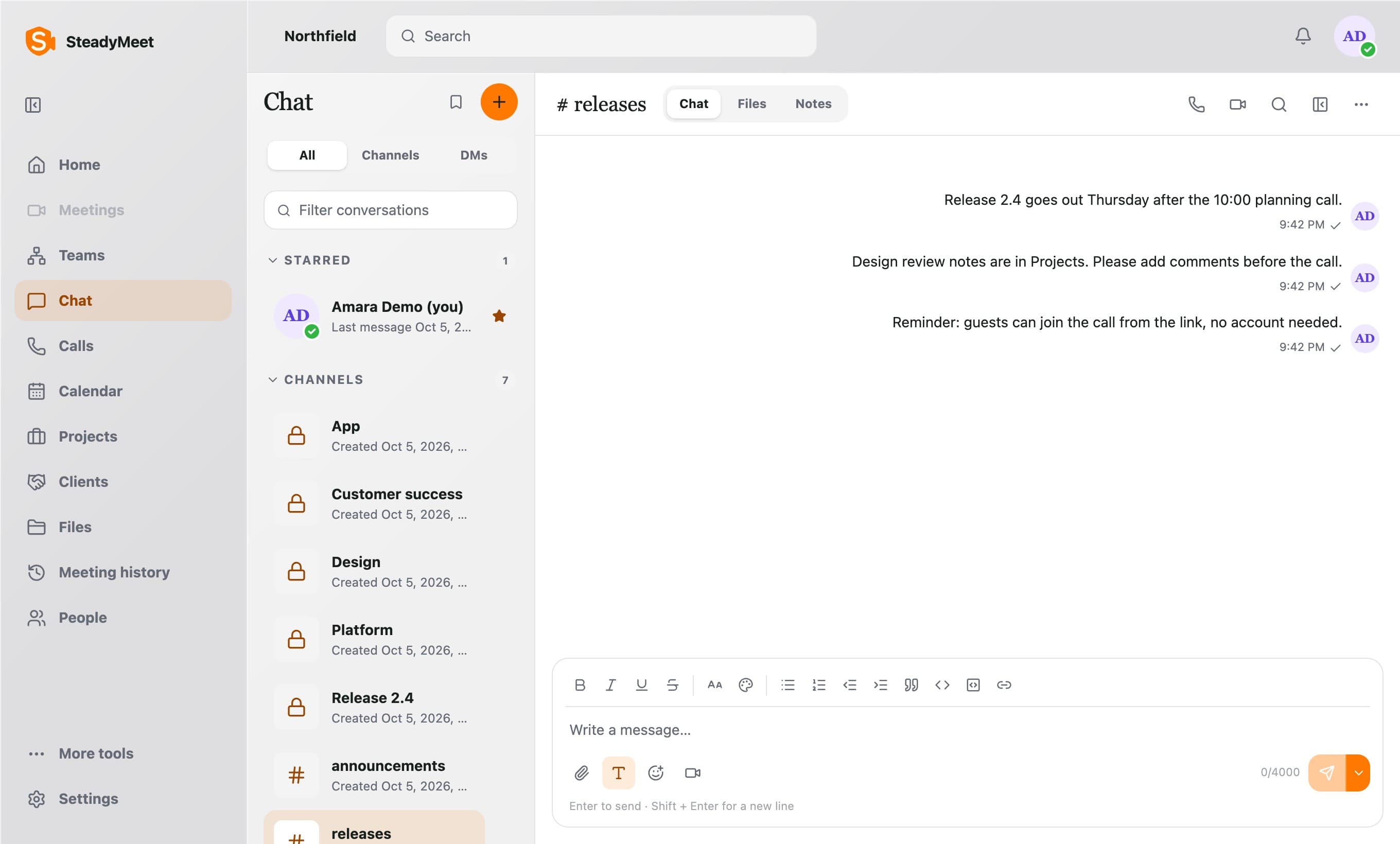
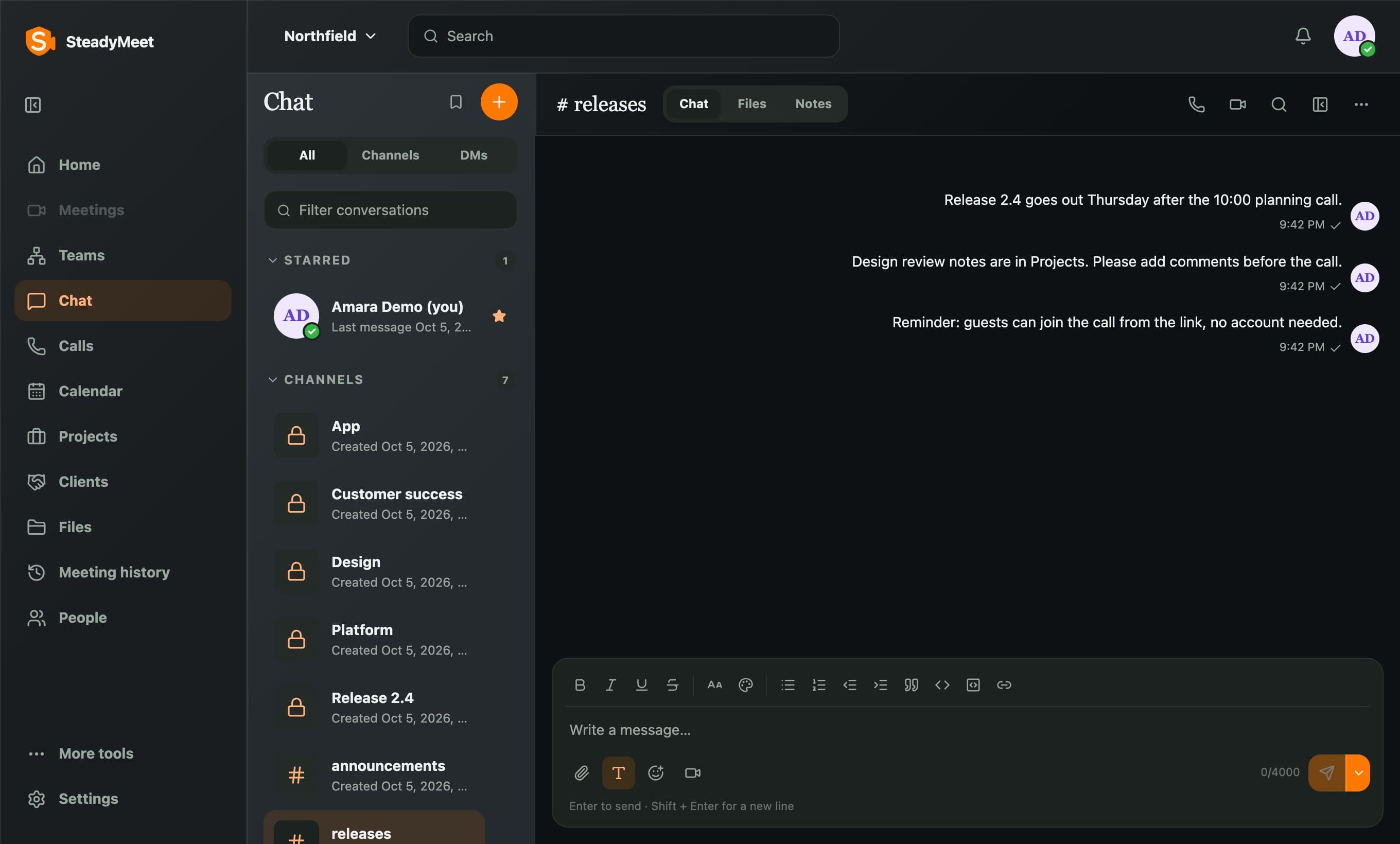
Each workspace holds meetings, messaging, shared files, and call history.
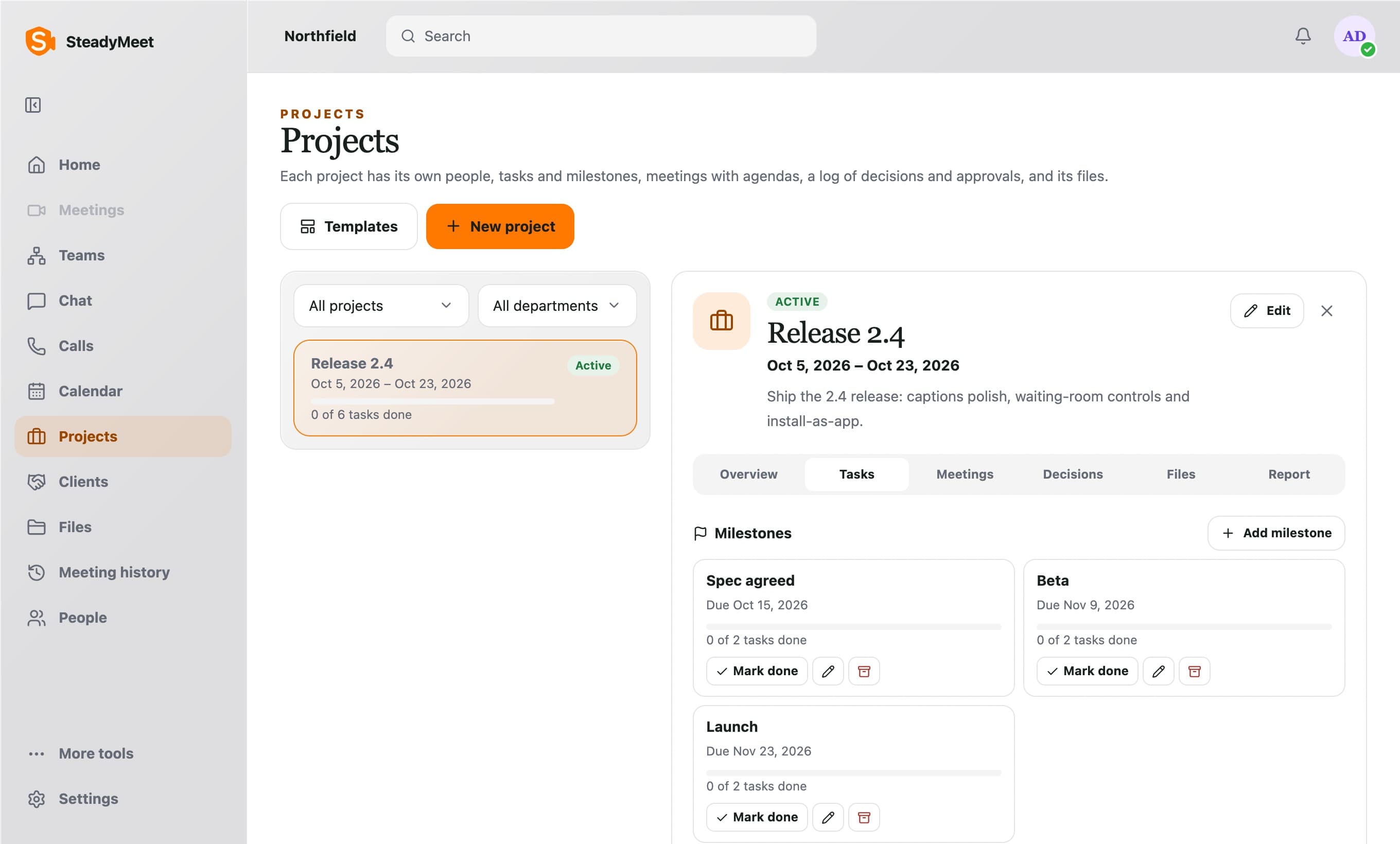
Projects
Calendar
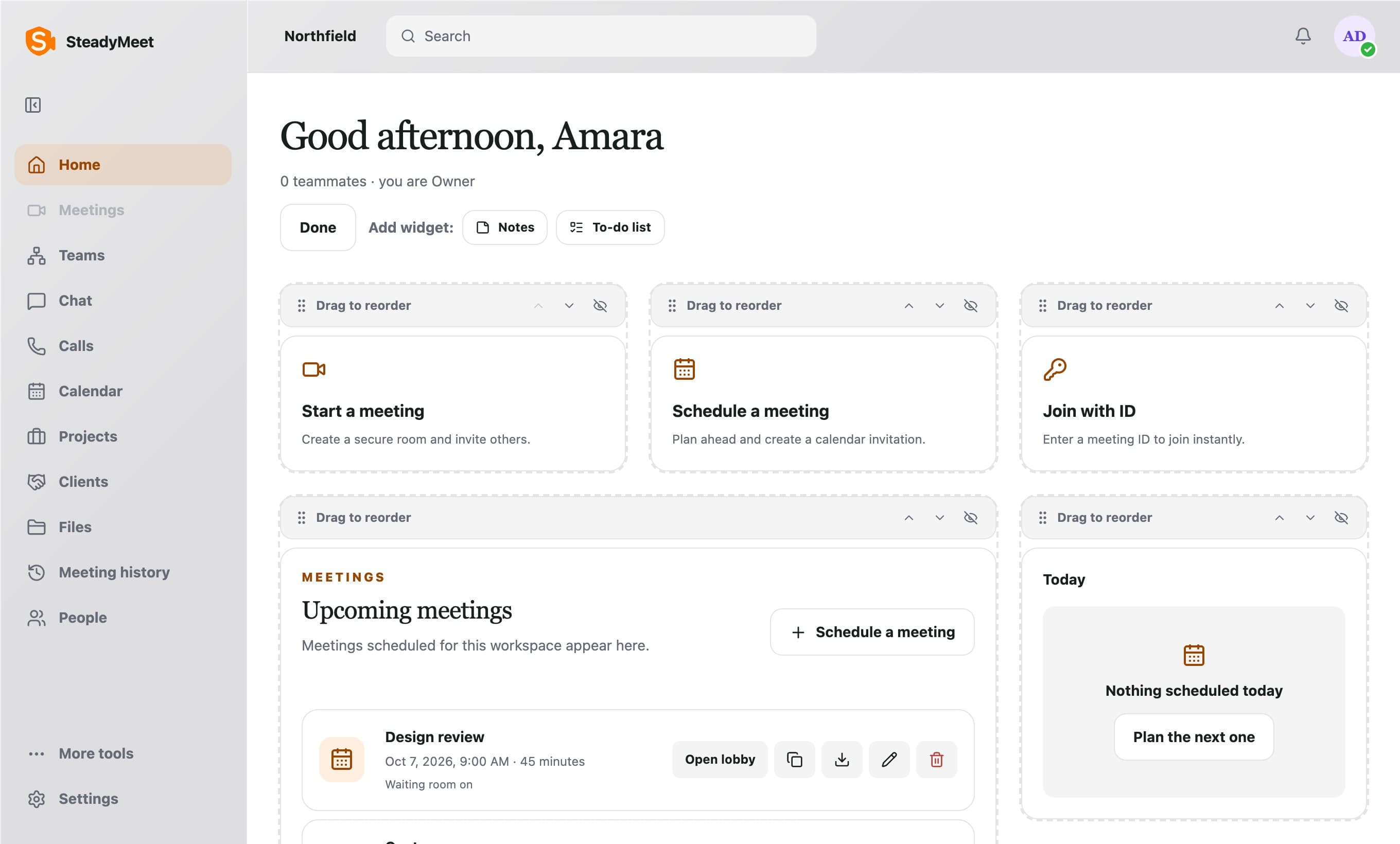
Make Home your own.
Reorder, hide and add widgets, so your first screen shows what you use.
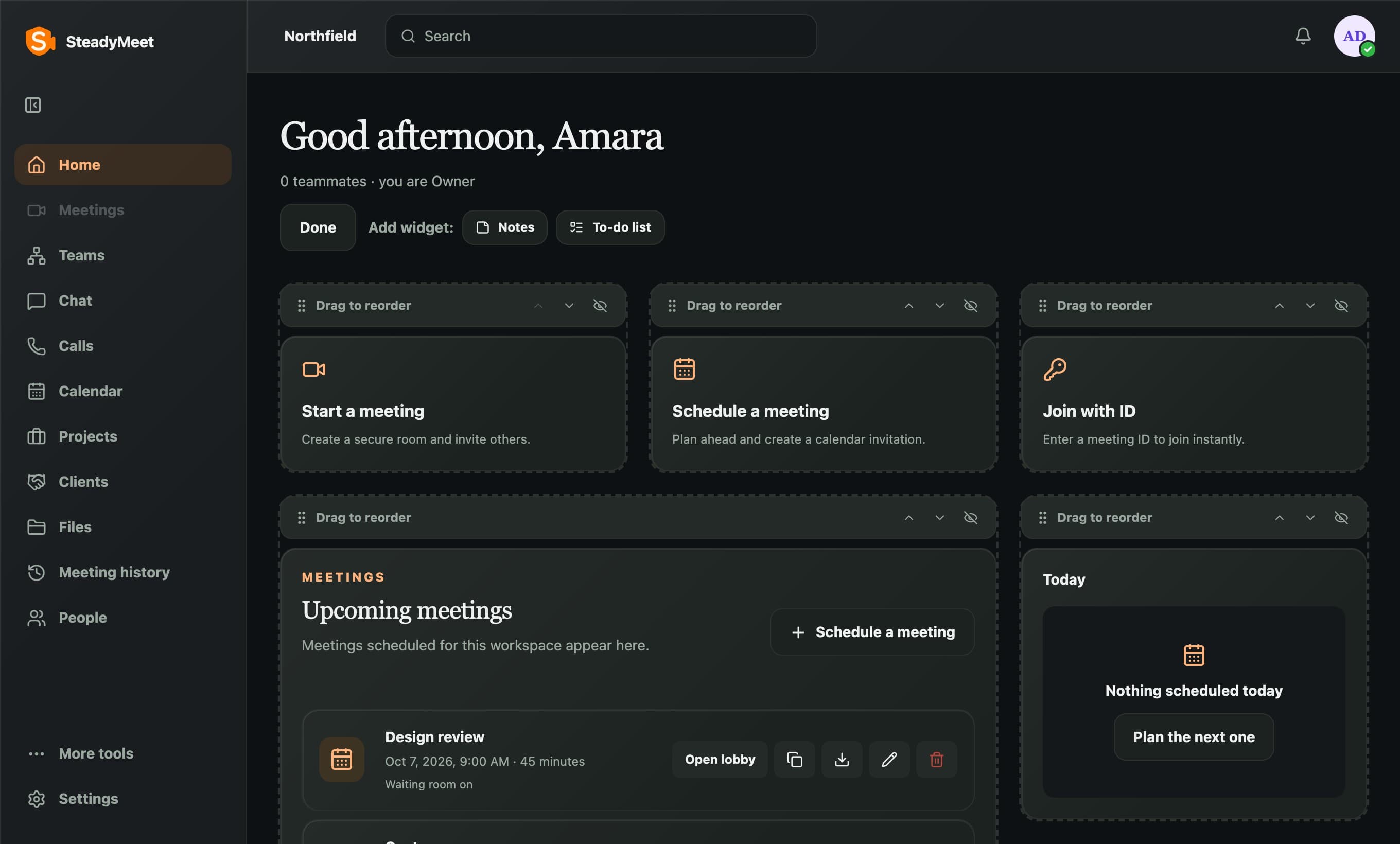
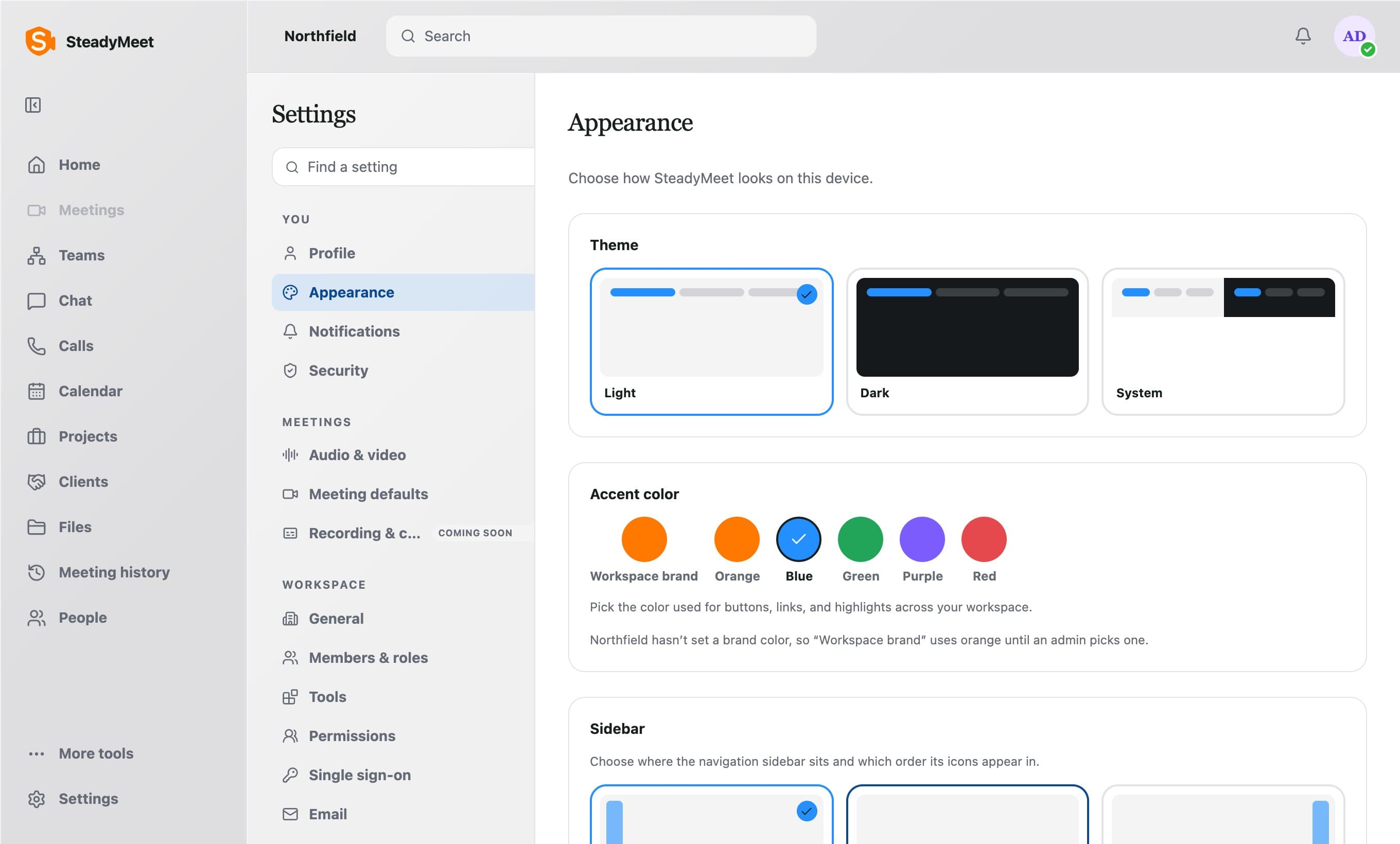
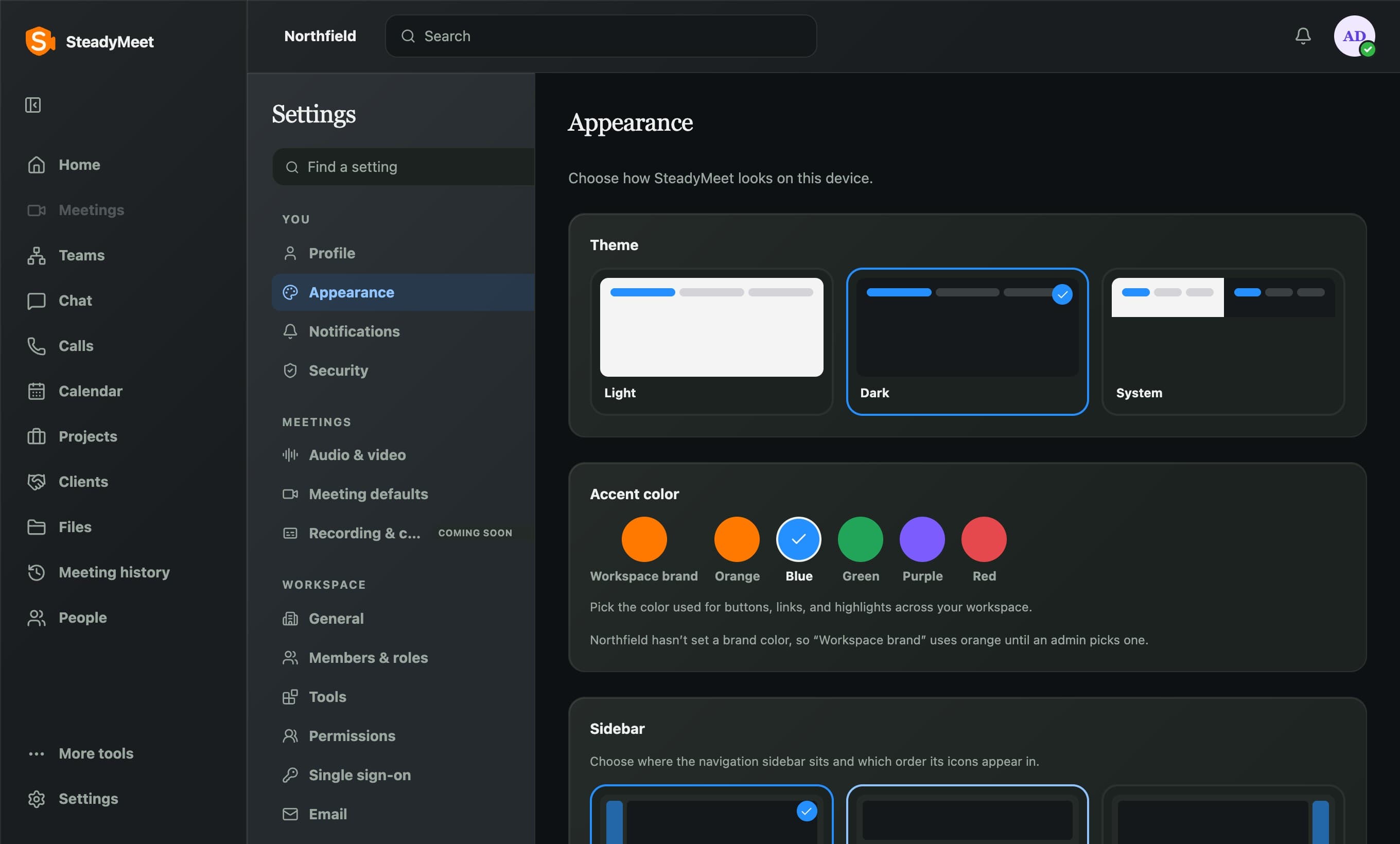
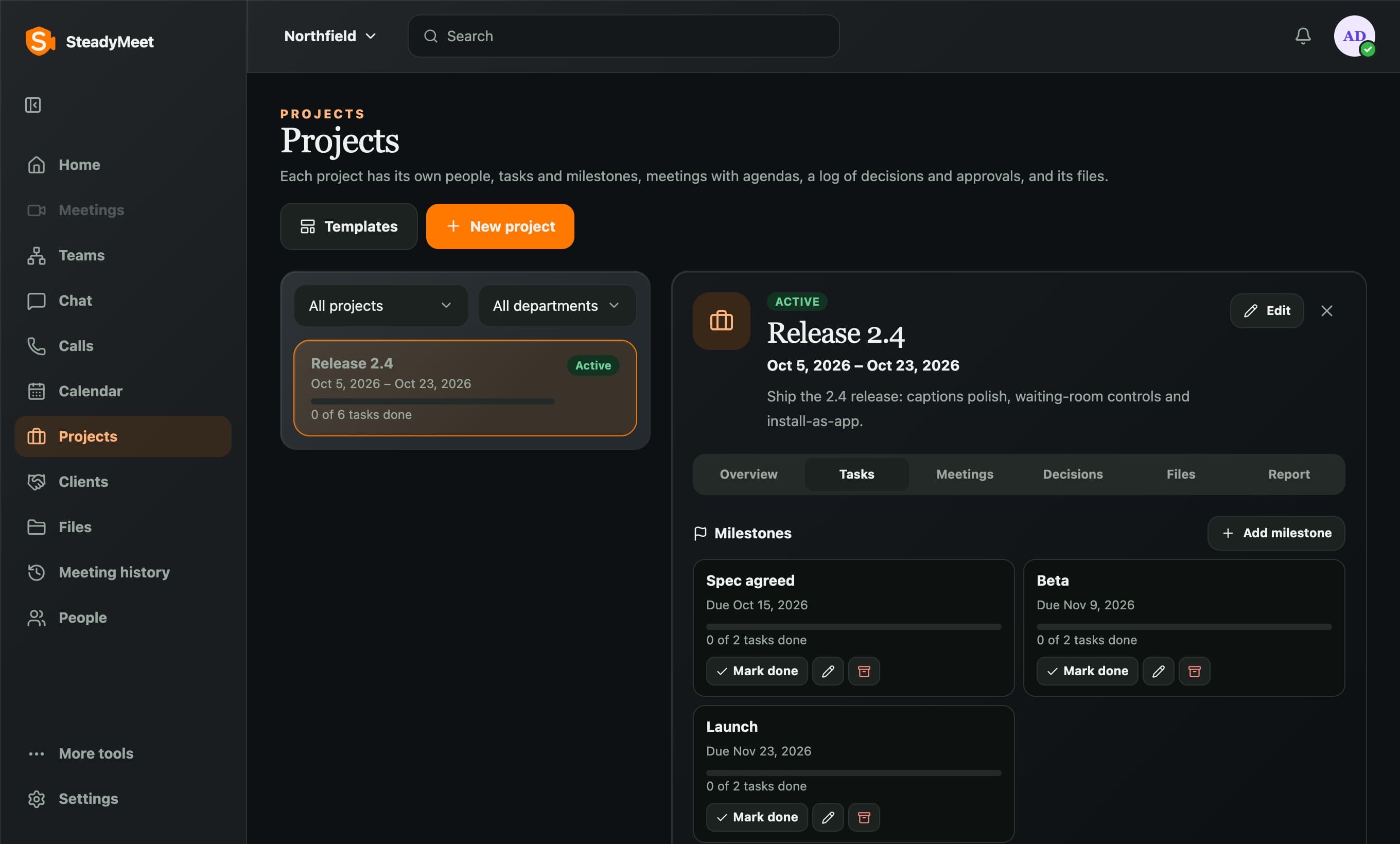
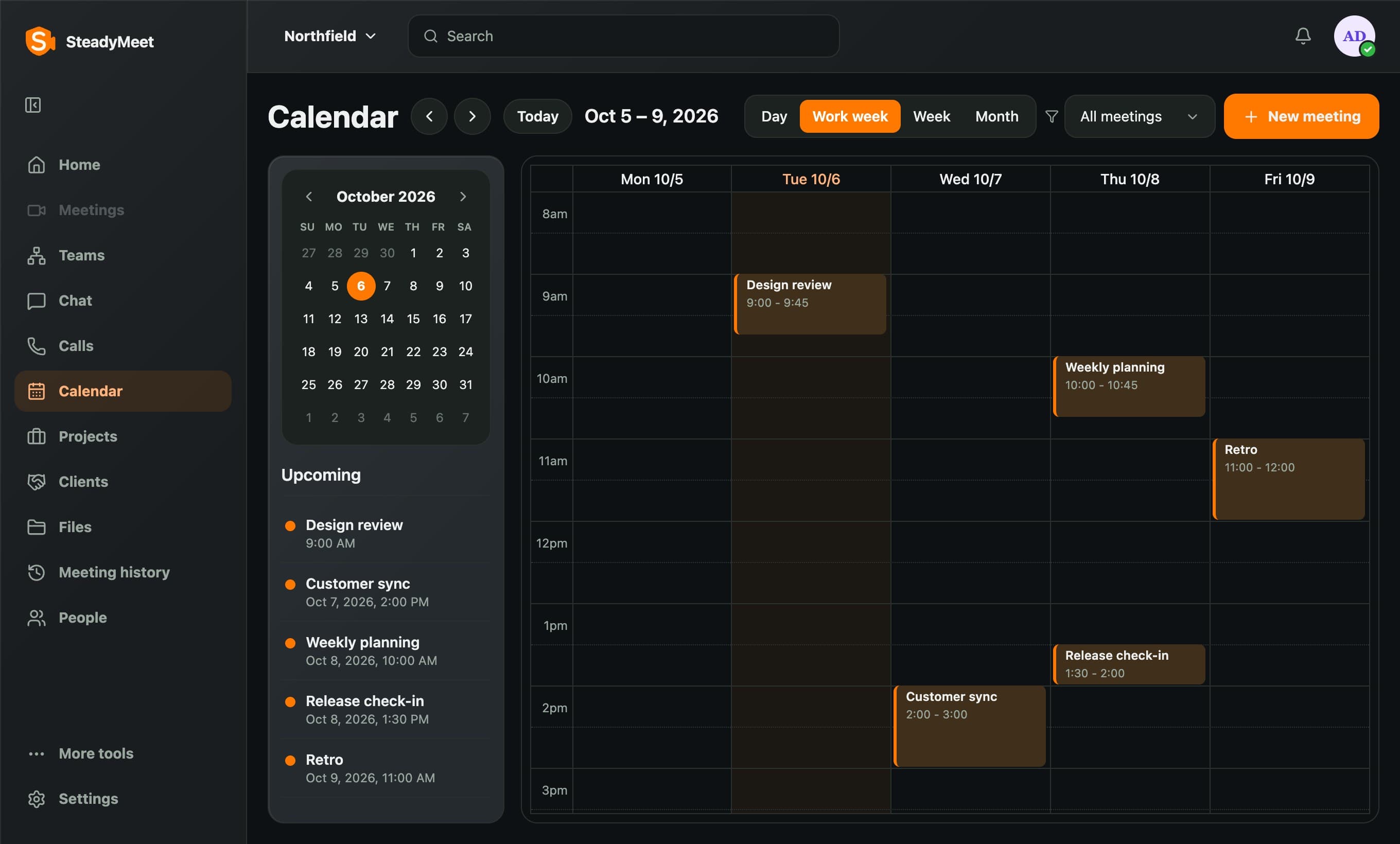
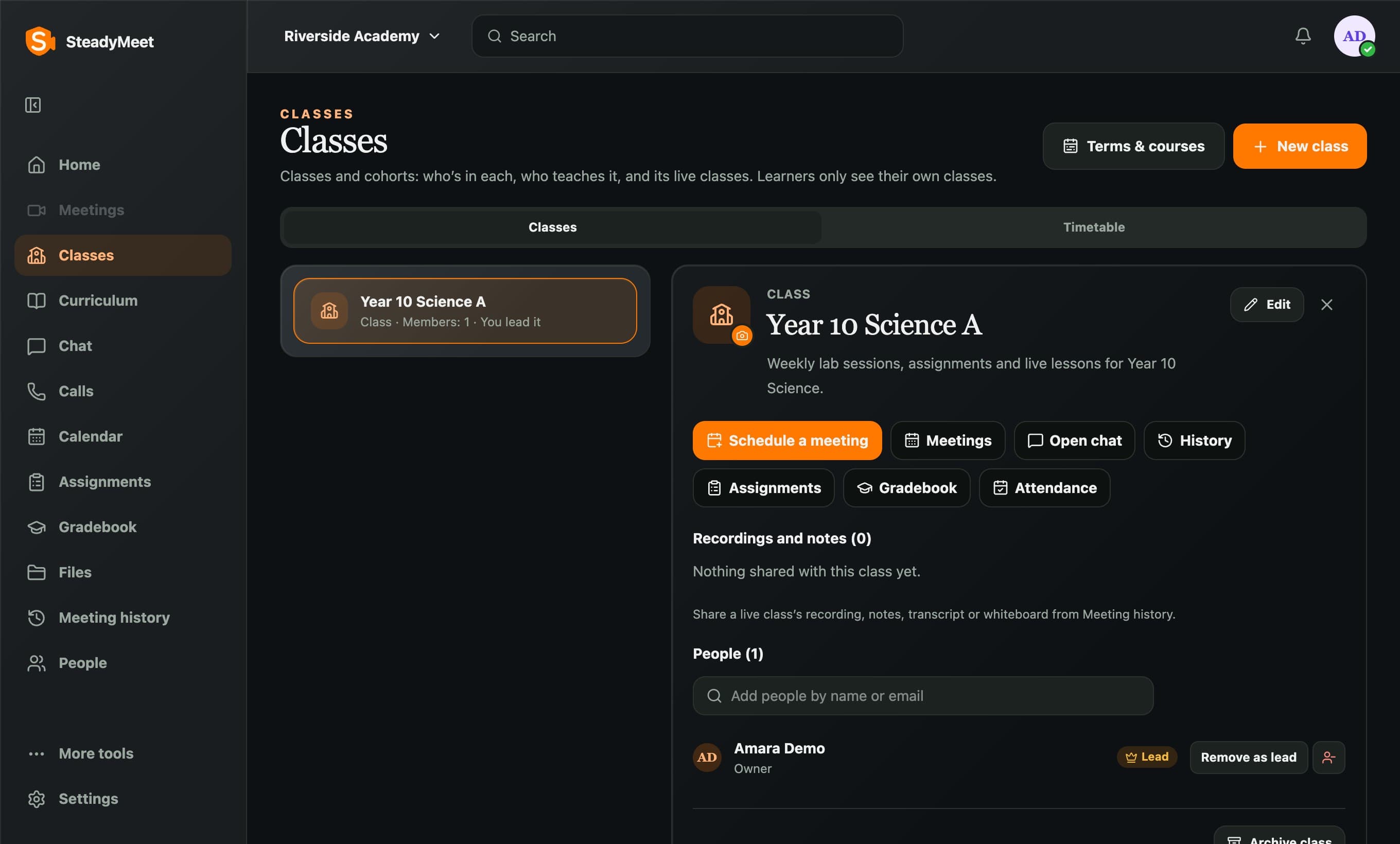
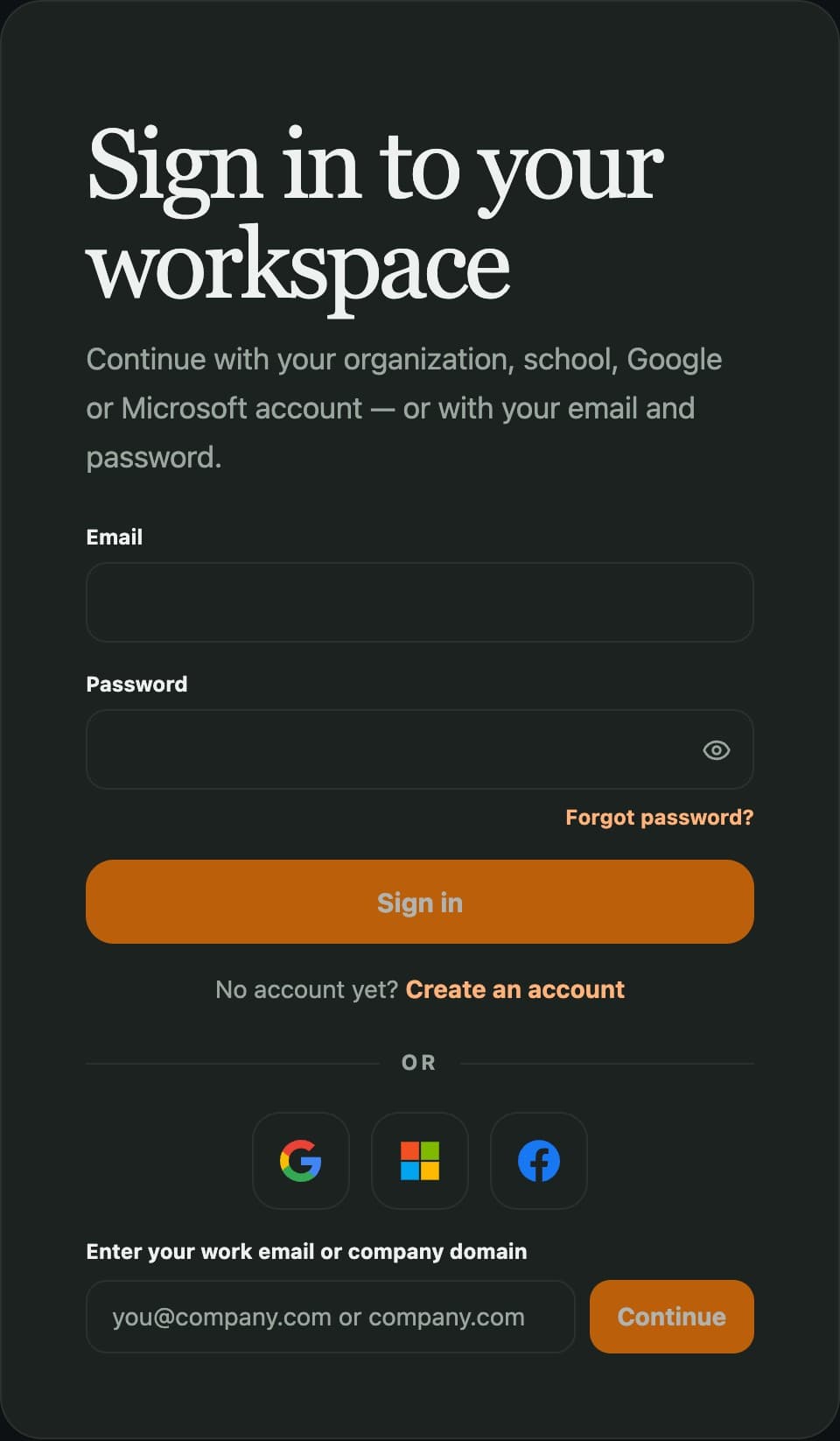
Light, dark, and your color.
Pick a theme and an accent color, and buttons, links and highlights follow across the workspace.
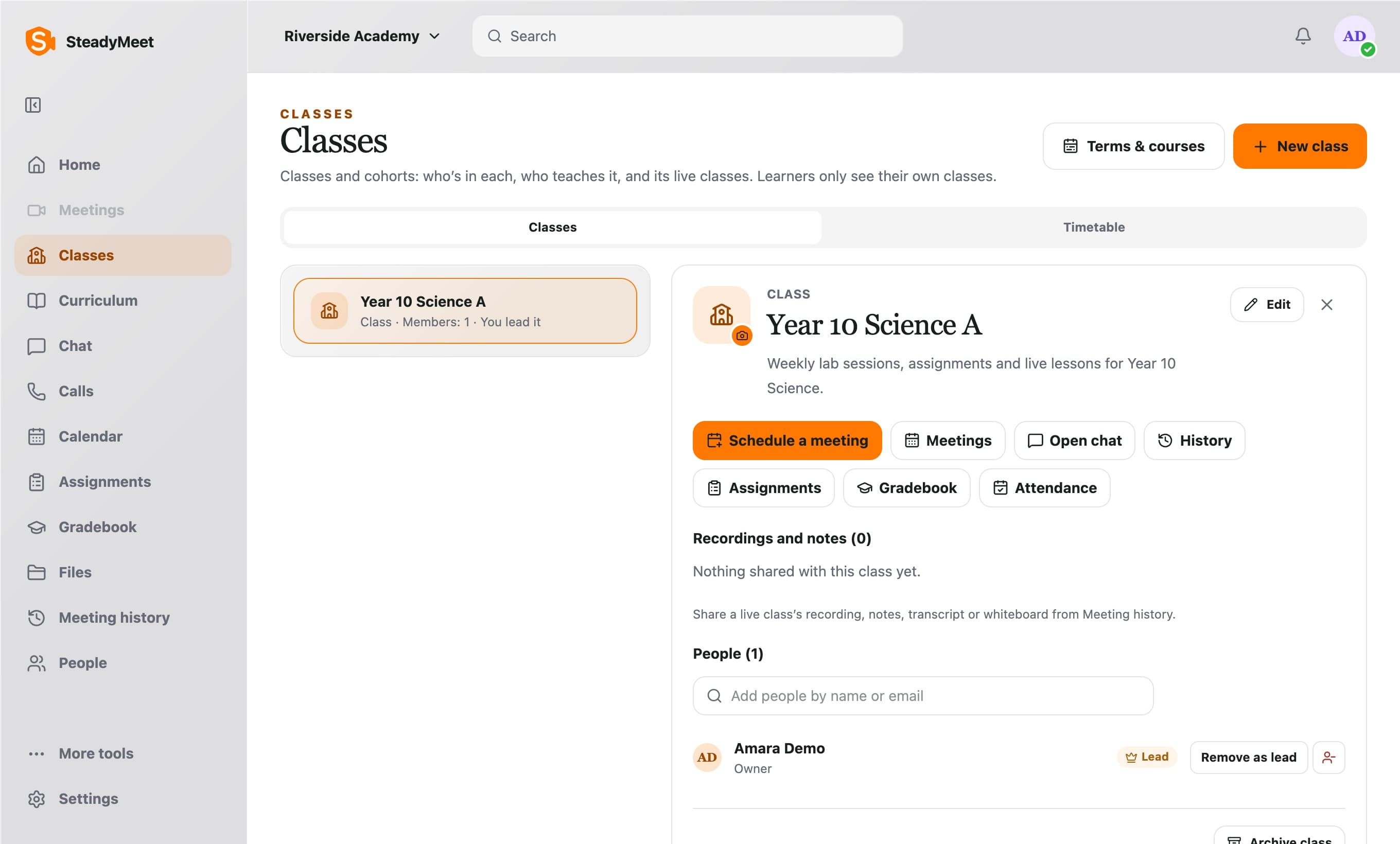
Run a class, not just a call.
Every class has its own meetings, chat, assignments, gradebook and attendance.
Follow along.
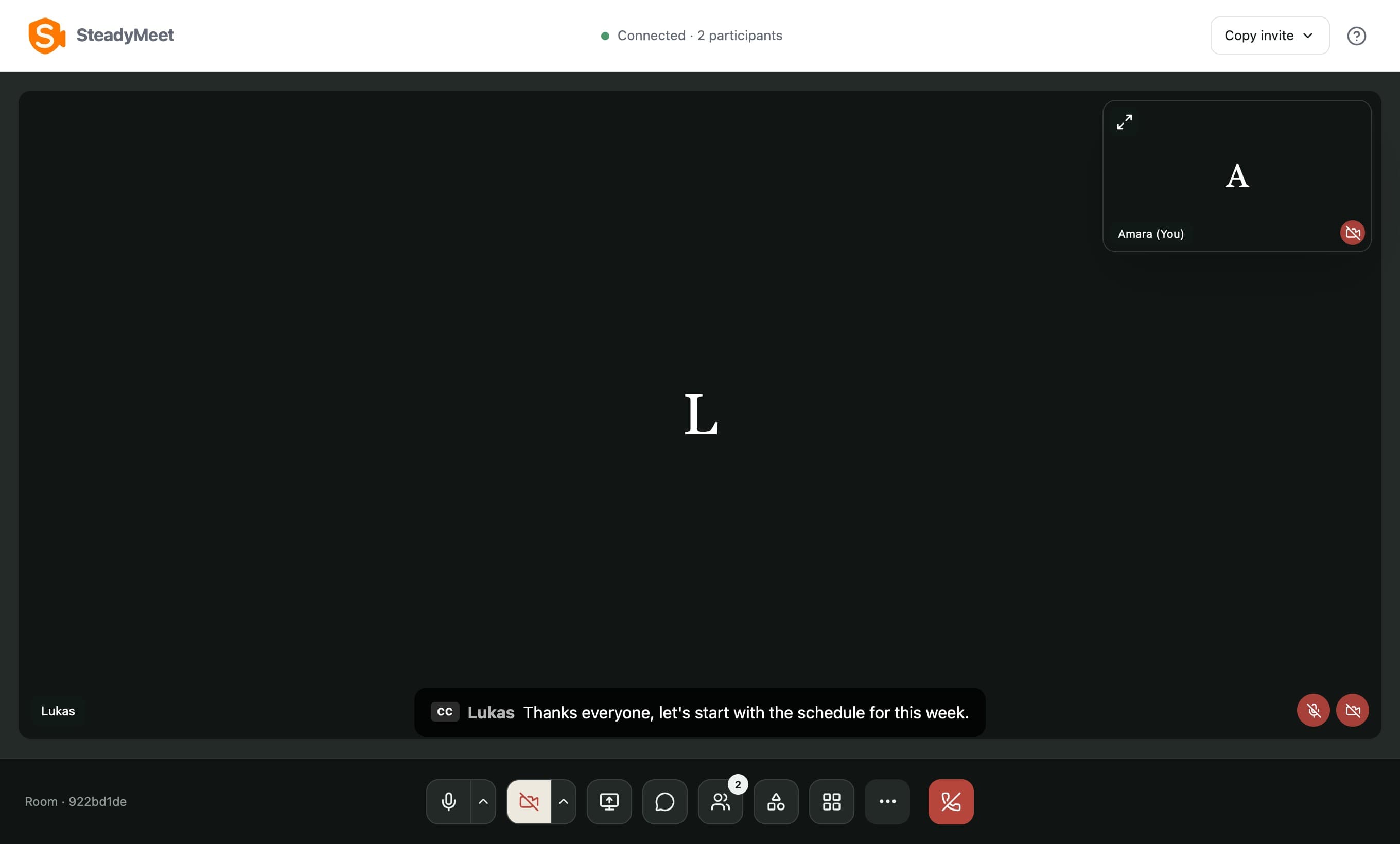
Live captions, so a noisy room or a second language does not drop someone out of the meeting.
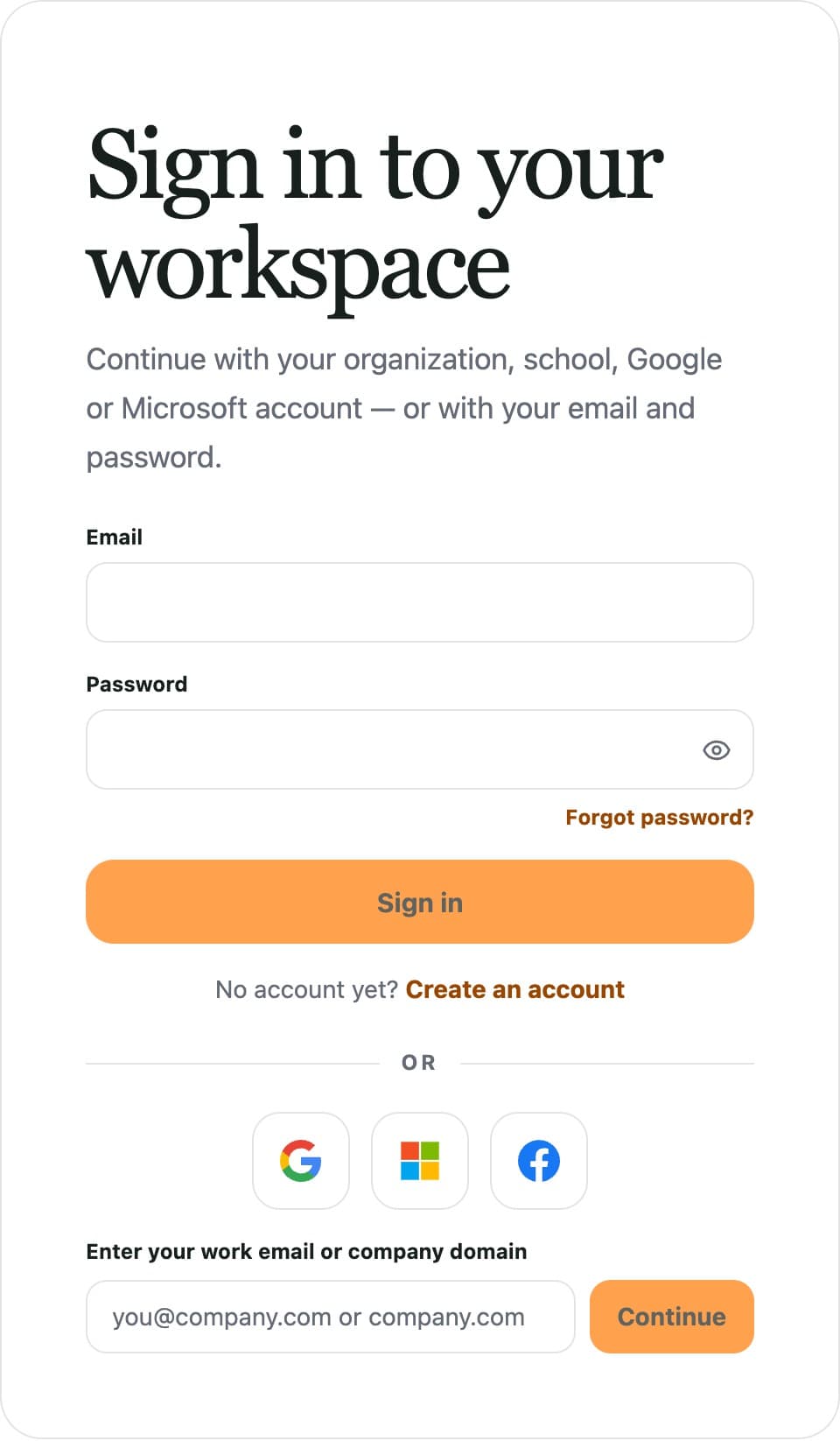
Sign in the way your school already does.
Single sign-on, so the organization controls who can join.
Open it like an app.
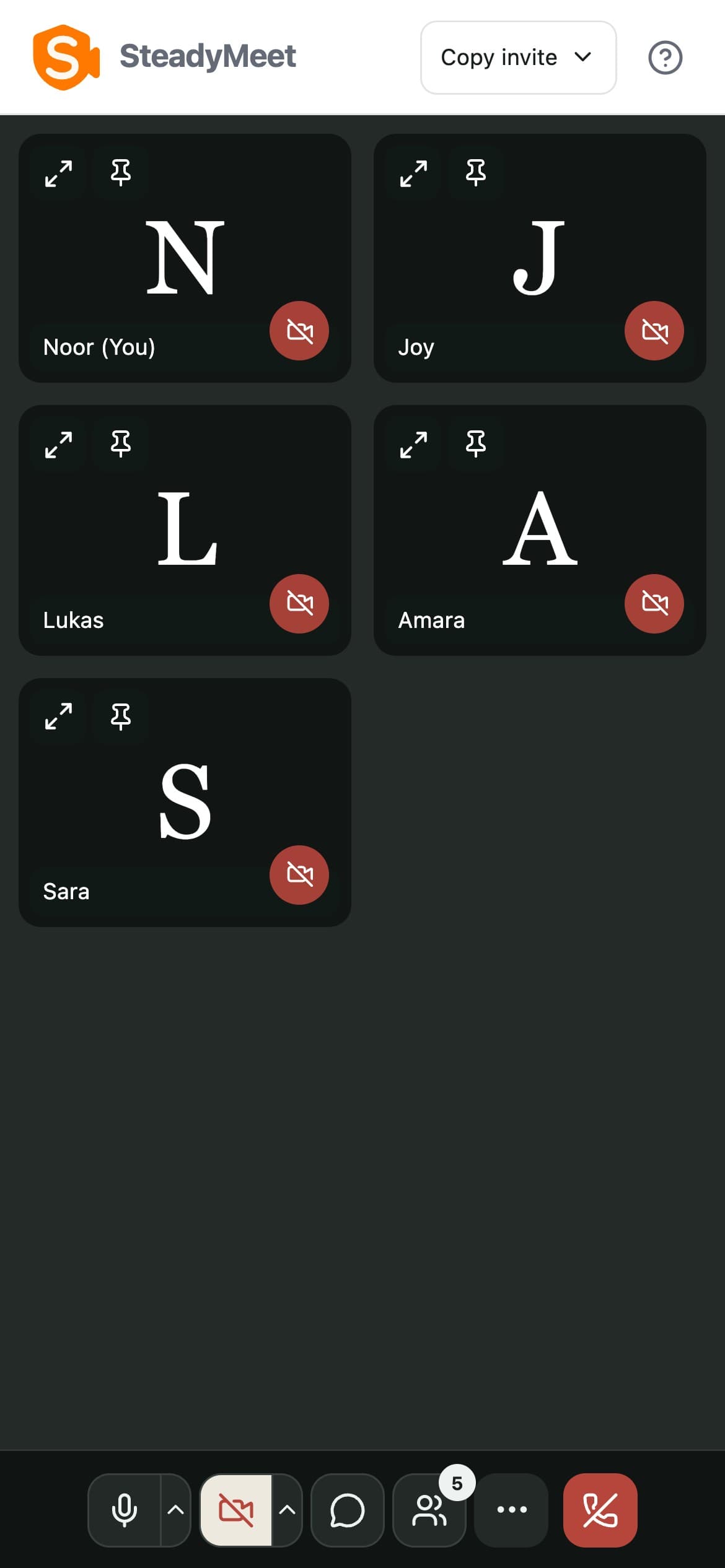
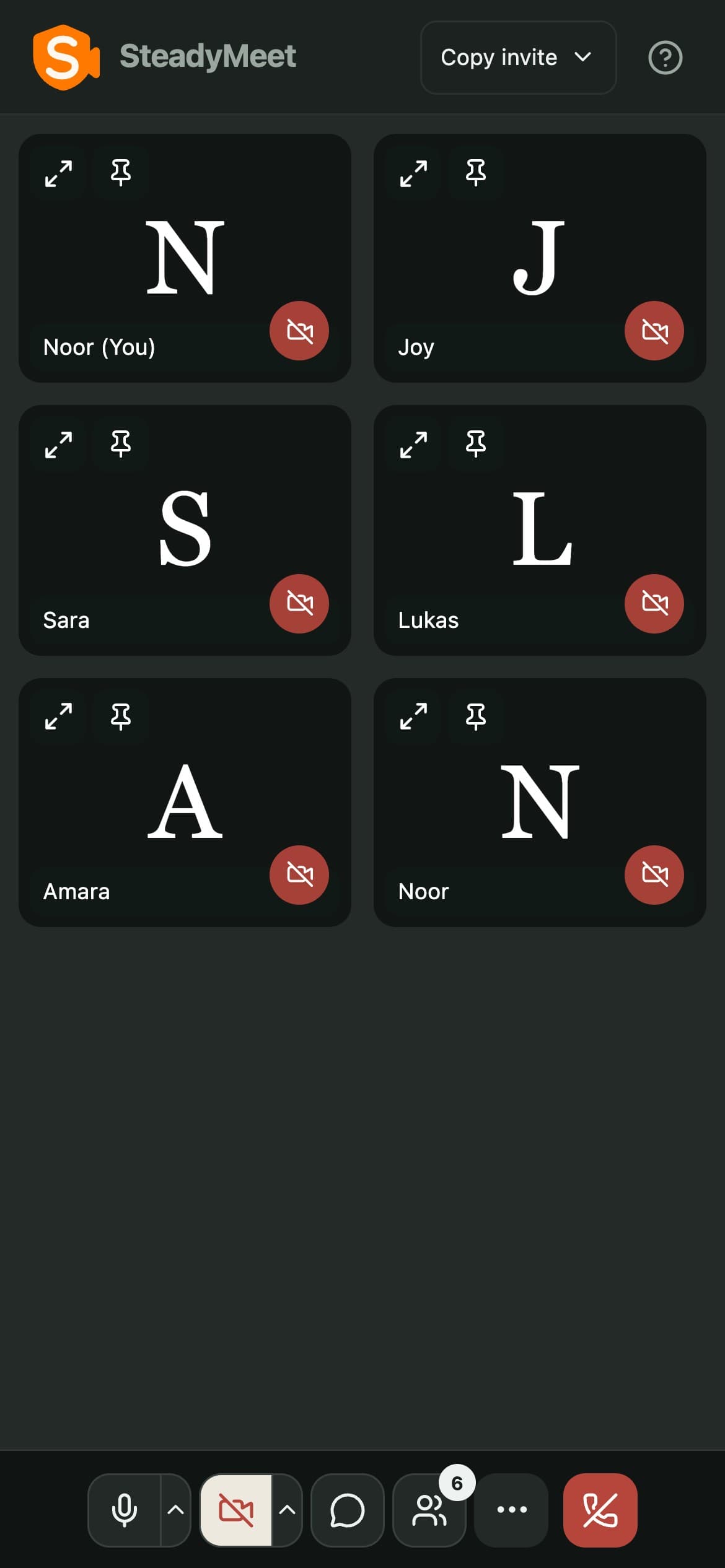
Desktop or phone, as an app, one tap to open.
Ready when you are.
Start a free meetingNo account needed to join a meeting.